
























 Feb 2, 2017, 4:54 pm
Last edit by: JDiver
"FT Desktop Infinite Scroll" feature for desktop viewing introduced Jan 2017
NOTE: Selecting the Mobile Skin / display format will activate Infinite Scroll.
Opting out of "FT Desktop Infinte Scroll" skin:
How to opt out:
If you opt out, your pagination will revert to the “classic” FT Desktop View skin when you are logged into your FT account. Bear in mind that if you visit FT before logging in, you will see the infinite scroll.
To opt out, you can see this post or just go to
My FlyerTalk->Edit Options->Thread Display Options->“Disable Desktop Infinite Scroll”
Click the check box and click SAVE CHANGES.
If you opt out, your pagination will revert to the “classic” FT Desktop View skin when you are logged into your FT account. Bear in mind that if you visit FT before logging in, you will see the infinite scroll.
To opt out, you can see this post or just go to
My FlyerTalk->Edit Options->Thread Display Options->“Disable Desktop Infinite Scroll”
Click the check box and click SAVE CHANGES.
If infinite scroll is set to default style and you keep reverting to infinite scroll:
... Unfortunately since it's set to be the default style, opting out wont work.
So, with that said, you'll need to go into the "My Options" page and both disable infinite scroll and change your default style/skin to FT Desktop ..also don't forget to save!

Hope this helps!
So, with that said, you'll need to go into the "My Options" page and both disable infinite scroll and change your default style/skin to FT Desktop ..also don't forget to save!
Hope this helps!
Originally Posted by [B
Spanish[/B];27896638]All you need to do is add "?styleid=17" to the end of any Flyertalk URL.
 For those with Greasemonkey, a simple script for you. You no needing to be logged in for this to be effective.
Here you go:
For those with Greasemonkey, a simple script for you. You no needing to be logged in for this to be effective.Here you go:
Code:
 // ==UserScript==
 // @name        Flyertalk_Remove_Infinite_Scroll
 // @match       *://*.flyertalk.com/*
 // @run-at      document-start
 // @grant       none
 // ==/UserScript==

 var oldUrlPath  = window.location.pathname;

 /*--- Test that "?styleid=17" is at end of URL, excepting any "hashes"
 or searches.
 */
 if (window.location.href.toString().indexOf("?styleid=17") != -1) return false;
 if ( ! /\?styleid=17$/.test (oldUrlPath) ) {

 var newURL  = window.location.protocol + "//"
 + window.location.host
 + oldUrlPath + "?styleid=17"
 + window.location.search
 + window.location.hash
 ;
 /*-- replace() puts the good page in the history instead of the
 bad page.
 */
 window.location.replace (newURL);
 }

Infinite / Automatic Scroll: issues, q&a, disable on desktop version

 Oct 18, 2020 | 5:39 am
#332


Join Date: Feb 2013
Programs: Hyatt Globalist, MLife Gold, Marriott Gold, HHonors Gold, Caesars Diamond, Amex Plat
Posts: 6,227
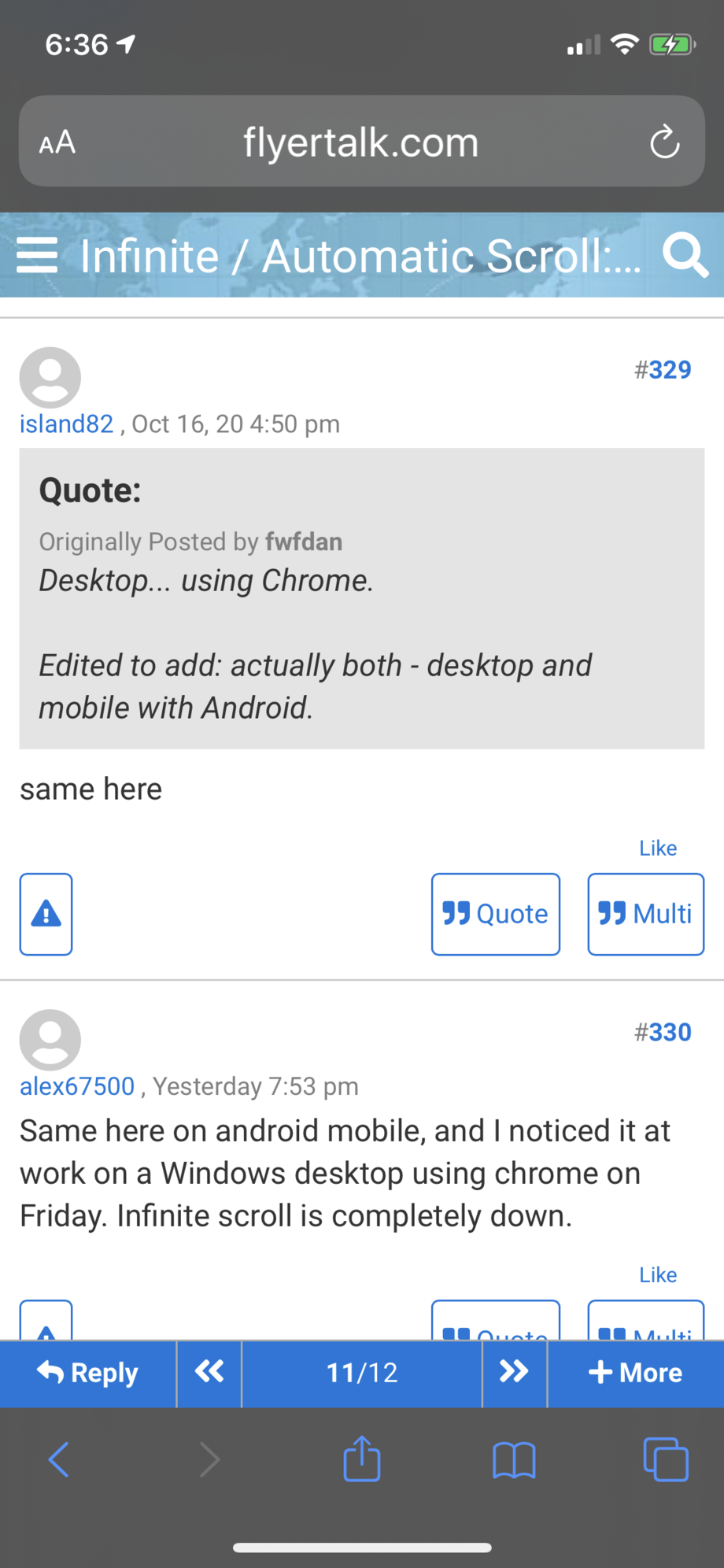
My scroll just stops and I can’t even enter next page to move forward. Just cannot continue at all. Refresh doesn’t help. iPhone 11 iOS. This is as far as I go in this thread (but happens in all threads). Edit: now that I’ve posted this reply, you can see the posts in between that wouldn’t show. This screenshot was taken when I posted this and was the last visible post.
Oct 18, 2020 | 7:23 am
#334


Join Date: Feb 2011
Location: NYC suburbs
Programs: UA LT Gold 1.2MM (BIS), AA LT Plat (SUBs, BD/Bask), Hilton Dia (CC), Hyatt Glob (BIB), et. al.
Posts: 4,617
Has there been a change made to scrolling recently? I finally got used to the scrolling past my "40 posts per page" and now it seems that it does not do that any more. I normally go to the last post in the thread and just scroll back from there. Now when I hit the "top" of my current page it stops and I have to click on previous page.
Oct 19, 2020 | 12:19 am
#335

Join Date: Aug 2017
Location: Somewhere between AMS and ANR
Programs: Hilton Diamond, Marriott Platinum, Hyatt Globalist, United Platinum Premier, AF/KLM Platinum
Posts: 268
Biggest downside is that there are no next buttons on the mobile version either, so I can just see the first and last page of a thread.
Oct 19, 2020 | 12:29 am
#336
Moderator: Hyatt, American Express; FlyerTalk Evangelist


Join Date: Jun 2015
Location: WAS
Programs: :rolleyes:, DL DM, AA EXP, UA Silver, Hyatt Glob, Mlife Noir (=> Marriott Amb), invol FT beta tester
Posts: 21,702
It's not obvious, but if you tap on the numbers in between the << and >> where it says e.g. "23/24" to show you're on page 23 of 24 or whatever, you can type in the number of the next page. This is a horribly cumbersome workaround though, so hopefully either they fix infinite scroll soon, or better yet, nest single-page controls inside the first/last controls, like << < 23/24 > >> so that people who don't want infinite scroll on mobile can have an option too.
Oct 19, 2020 | 11:02 am
#339
Moderator: Hyatt, American Express; FlyerTalk Evangelist
Join Date: Jun 2015
Location: WAS
Programs: :rolleyes:, DL DM, AA EXP, UA Silver, Hyatt Glob, Mlife Noir (=> Marriott Amb), invol FT beta tester
Posts: 21,702
Is there any reason the breaking change can't simply be rolled back, to restore the previous functionality, while the fix is being worked on? Then you can re-deploy the original change plus the fix at the same time once you have it.
Oct 19, 2020 | 3:16 pm
#341

Join Date: Apr 2012
Location: LON
Programs: Mucci, BAEC, Eurostar
Posts: 4,021
I can confirm infinite scroll now works on my mobile. It's still not marking pages as read though. I've tried on 2 threads, if there are more than one page, I need to refresh once on the following pages to mark them as read.
Oct 19, 2020 | 5:16 pm
#342
Join Date: Feb 2013
Programs: Hyatt Globalist, MLife Gold, Marriott Gold, HHonors Gold, Caesars Diamond, Amex Plat
Posts: 6,227
It's not obvious, but if you tap on the numbers in between the << and >> where it says e.g. "23/24" to show you're on page 23 of 24 or whatever, you can type in the number of the next page. This is a horribly cumbersome workaround though, so hopefully either they fix infinite scroll soon, or better yet, nest single-page controls inside the first/last controls, like << < 23/24 > >> so that people who don't want infinite scroll on mobile can have an option too.
Oct 20, 2020 | 8:28 am
#344
Administrator

Join Date: Sep 2015
Location: Los Angeles
Programs: Internet Brands
Posts: 4,444
Oct 20, 2020 | 4:53 pm
#345
Join Date: Apr 2017
Posts: 299
Just noticed there was a thread dedicated to infinite scroll, so I'll continue the report here instead.
Apostrophes are being rendered into multiple spaces, and it seems to occur more frequently with specific users. It occurs on macOS and Chrome, but not Windows and Chrome. On Firefox, the apostrophes are deleted completely (e.g. That's --> Thats).
To recreate the issue:
https://www.flyertalk.com/forum/31352812-post6.html
Examples:
https://www.flyertalk.com/forum/31748113-post1596.html
https://www.flyertalk.com/forum/31519253-post1519.html
https://www.flyertalk.com/forum/31600328-post1536.html
https://www.flyertalk.com/forum/31604715-post1544.html
Apostrophes are being rendered into multiple spaces, and it seems to occur more frequently with specific users. It occurs on macOS and Chrome, but not Windows and Chrome. On Firefox, the apostrophes are deleted completely (e.g. That's --> Thats).
To recreate the issue:
https://www.flyertalk.com/forum/31352812-post6.html
Examples:
https://www.flyertalk.com/forum/31748113-post1596.html
https://www.flyertalk.com/forum/31519253-post1519.html
https://www.flyertalk.com/forum/31600328-post1536.html
https://www.flyertalk.com/forum/31604715-post1544.html