
























 Feb 2, 2017, 4:54 pm
Last edit by: JDiver
"FT Desktop Infinite Scroll" feature for desktop viewing introduced Jan 2017
NOTE: Selecting the Mobile Skin / display format will activate Infinite Scroll.
Opting out of "FT Desktop Infinte Scroll" skin:
How to opt out:
If you opt out, your pagination will revert to the “classic” FT Desktop View skin when you are logged into your FT account. Bear in mind that if you visit FT before logging in, you will see the infinite scroll.
To opt out, you can see this post or just go to
My FlyerTalk->Edit Options->Thread Display Options->“Disable Desktop Infinite Scroll”
Click the check box and click SAVE CHANGES.
If you opt out, your pagination will revert to the “classic” FT Desktop View skin when you are logged into your FT account. Bear in mind that if you visit FT before logging in, you will see the infinite scroll.
To opt out, you can see this post or just go to
My FlyerTalk->Edit Options->Thread Display Options->“Disable Desktop Infinite Scroll”
Click the check box and click SAVE CHANGES.
If infinite scroll is set to default style and you keep reverting to infinite scroll:
... Unfortunately since it's set to be the default style, opting out wont work.
So, with that said, you'll need to go into the "My Options" page and both disable infinite scroll and change your default style/skin to FT Desktop ..also don't forget to save!

Hope this helps!
So, with that said, you'll need to go into the "My Options" page and both disable infinite scroll and change your default style/skin to FT Desktop ..also don't forget to save!
Hope this helps!
Originally Posted by [B
Spanish[/B];27896638]All you need to do is add "?styleid=17" to the end of any Flyertalk URL.
 For those with Greasemonkey, a simple script for you. You no needing to be logged in for this to be effective.
Here you go:
For those with Greasemonkey, a simple script for you. You no needing to be logged in for this to be effective.Here you go:
Code:
 // ==UserScript==
 // @name        Flyertalk_Remove_Infinite_Scroll
 // @match       *://*.flyertalk.com/*
 // @run-at      document-start
 // @grant       none
 // ==/UserScript==

 var oldUrlPath  = window.location.pathname;

 /*--- Test that "?styleid=17" is at end of URL, excepting any "hashes"
 or searches.
 */
 if (window.location.href.toString().indexOf("?styleid=17") != -1) return false;
 if ( ! /\?styleid=17$/.test (oldUrlPath) ) {

 var newURL  = window.location.protocol + "//"
 + window.location.host
 + oldUrlPath + "?styleid=17"
 + window.location.search
 + window.location.hash
 ;
 /*-- replace() puts the good page in the history instead of the
 bad page.
 */
 window.location.replace (newURL);
 }

Infinite / Automatic Scroll: issues, q&a, disable on desktop version
Aug 8, 2021 | 1:17 am
#376


Join Date: Jan 2016
Location: LON
Programs: BAEC
Posts: 5,156
 Jan 13, 2022 | 8:50 am
#377
FlyerTalk Evangelist

Join Date: Feb 1999
Location: Seat 1A, Juice pretty much everywhere, Mucci des Coins Exotiques
Posts: 34,337
Nevermind. I guess I somehow got switched to the mobile view on my desktop. Weird.
Last edited by stimpy; Jan 13, 2022 at 8:54 am Reason: problem resolved
Jan 15, 2022 | 10:09 am
#378
FlyerTalk Evangelist


Join Date: May 2002
Location: NC
Programs: AAConciergeKey/2MM, DL DM/2MM, UA Gold,Hilton Diamond,IHG Diamond, Hyatt Globalist,Marriott Titanium
Posts: 13,247
I can’t believe this is still not fixed and there is no way (none of the suggestions above appear in my settings or options page) to opt out of this or even click at the bottom to go to the desktop version. This is why people are abandoning the site or at least using less (too hard to search and constant issues like this) 
Feb 5, 2022 | 6:33 am
#379
Join Date: Nov 2014
Programs: DL DM, UA, AA EXP, AS MVP75K GOLD, HHonors Diamond, BW Diamond, SPG Gold, Hyatt Diamond
Posts: 389
Feb 7, 2022 | 12:00 pm
#380
Administrator


Join Date: Sep 2015
Location: Los Angeles
Programs: Internet Brands
Posts: 4,445
Feb 7, 2022 | 12:36 pm
#381


Join Date: Apr 2012
Location: LON
Programs: Mucci, BAEC, Eurostar
Posts: 4,021
Feb 7, 2022 | 1:59 pm
#382
Administrator
Join Date: Sep 2015
Location: Los Angeles
Programs: Internet Brands
Posts: 4,445
Feb 7, 2022 | 2:26 pm
#383

Join Date: Oct 2017
Posts: 151
OK, I have the opposite problem. I have infinite scroll enabled (I'm one of the rare ones that likes this) and while it does do the infinite scroll, the page count at the bottom doesn't update as you scroll. I can go to the last page of a post and it will still say "Page 1 of 4" but when I click Last it goes to the last post, which I've already seen.
Feb 7, 2022 | 3:16 pm
#384
Administrator
Join Date: Sep 2015
Location: Los Angeles
Programs: Internet Brands
Posts: 4,445
OK, I have the opposite problem. I have infinite scroll enabled (I'm one of the rare ones that likes this) and while it does do the infinite scroll, the page count at the bottom doesn't update as you scroll. I can go to the last page of a post and it will still say "Page 1 of 4" but when I click Last it goes to the last post, which I've already seen.
Feb 20, 2022 | 10:40 pm
#386
FlyerTalk Evangelist


Join Date: Apr 2009
Location: Bye Delta
Programs: AA EXP, UA Silver, HH Diamond, IHG Plat, Hyatt Plat, Marriott Titanium, Nat'l EE, Avis PC, Hertz PC
Posts: 16,637
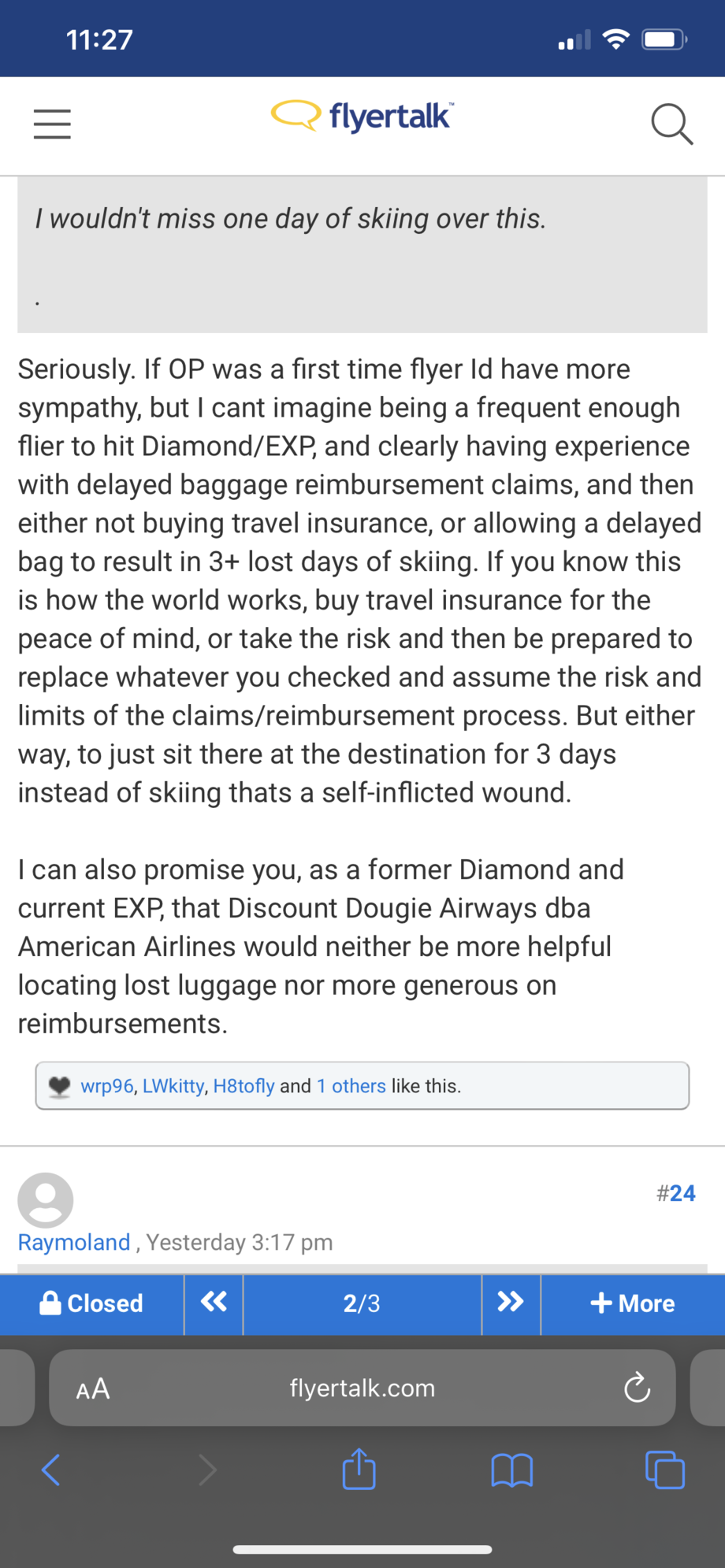
Is there a reason some punctuation doesn’t seem to load on the mobile version of the site? Apostrophes, three periods in a row… If I refresh, then it seems to appear…
Mobile version:
Desktop paginated/non-infinite version:

Mobile version:
Desktop paginated/non-infinite version:
Last edited by javabytes; Feb 20, 2022 at 10:48 pm
Jun 30, 2022 | 1:59 pm
#388
Join Date: Oct 2014
Location: Edinburgh
Posts: 252
I've just been searching threads for information/update on infinite scroll on mobiles and I assume you still can't turn it off (only desktop)?
If that is the case then it's a shame as I do the majority of my browsing on my mobile and for that reason I barely use this site as it's so painful to read threads as it constantly jumps around. Major fail IMO.
If that is the case then it's a shame as I do the majority of my browsing on my mobile and for that reason I barely use this site as it's so painful to read threads as it constantly jumps around. Major fail IMO.
Aug 17, 2022 | 7:27 pm
#389
Join Date: Mar 2020
Location: Buckeye, AZ
Programs: BAEC
Posts: 241
I lost the scroll feature and added the mobile skin. My desktop changed, still can't scroll and cannot go back to the way it was. Anyone able to help this old man out?
edit to add: I can only get the first and last page of a thread. Nothing in between. Can IT just do a reset for me?
edit to add: I can only get the first and last page of a thread. Nothing in between. Can IT just do a reset for me?
Last edited by BXK_Oz; Aug 17, 2022 at 8:48 pm