
























How to post photos
 Jun 7, 2023 | 2:48 pm
#46


Join Date: Jul 2010
Posts: 1,337
So, a little confused...can you use the BBCODE IMG and /IMG tags in a post or not? I have a post all written up and want to copy and paste it into the Source. When I do that, all images (which are hosted on IMGUR) appear broken. When I attempt to upload an image to FT, the code looks the same but the image works:
If I put the BBCode directly in the source - this is the result:
Random text here #1:
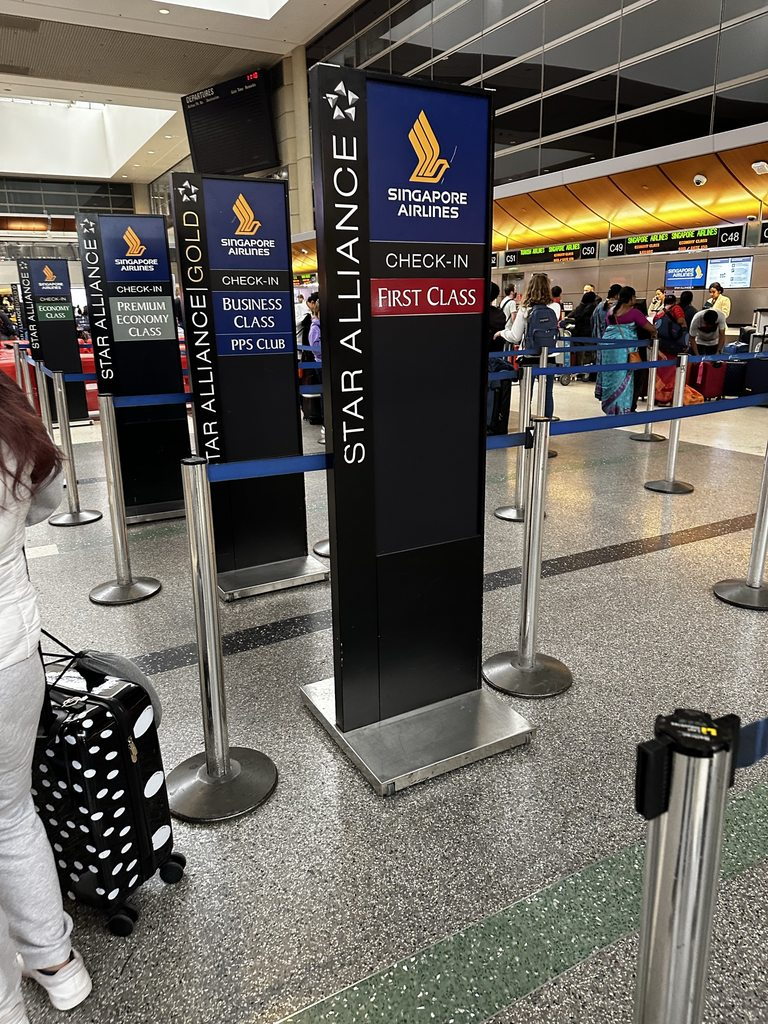
Random text #2 here

I do not want to re-upload all of these photos to FT's albums.
Thanks in advance
We flew Singapore Air first class to Tokyo in the middle of May for a 15 days adventure:
[ img]https://cimg7.ibsrv.net/gimg/www.flyertalk.com-vbulletin/768x1024/xeep3g2h_fe0bf841e14f32450aa9e2d08d0dd0369e5a2b48. jpg[/img]
<random text here>
[ img]https://i.imgur.com/55xUULNh.jpg[/img]
[ img]https://cimg7.ibsrv.net/gimg/www.flyertalk.com-vbulletin/768x1024/xeep3g2h_fe0bf841e14f32450aa9e2d08d0dd0369e5a2b48. jpg[/img]
<random text here>
[ img]https://i.imgur.com/55xUULNh.jpg[/img]
Random text here #1:
Random text #2 here
I do not want to re-upload all of these photos to FT's albums.
Thanks in advance
 Jun 7, 2023 | 2:57 pm
#47
Join Date: Jul 2010
Posts: 1,337
I'm assuming this is related but I'm also seeing a bunch of 403s reported in the Developer console when I preview the potential post:

These images do resolve:
* https://i.imgur.com/LnPb2mYh.jpg
* https://i.imgur.com/X6xOXFch.jpg
So I don't know why this javascript GET on the site is returning a 403
These images do resolve:
* https://i.imgur.com/LnPb2mYh.jpg
* https://i.imgur.com/X6xOXFch.jpg
So I don't know why this javascript GET on the site is returning a 403
Jun 7, 2023 | 5:34 pm
#49
Join Date: Jul 2010
Posts: 1,337
well, good to know I was not doing anything stupid...ugh, so the only really option is to pull them down from IMGUR via the Image Upload tool? Any other potential workaround?
Oct 15, 2024 | 9:03 am
#50
FlyerTalk Evangelist

Join Date: Aug 2002
Location: Intermountain West
Programs: Too many to list
Posts: 12,743
test

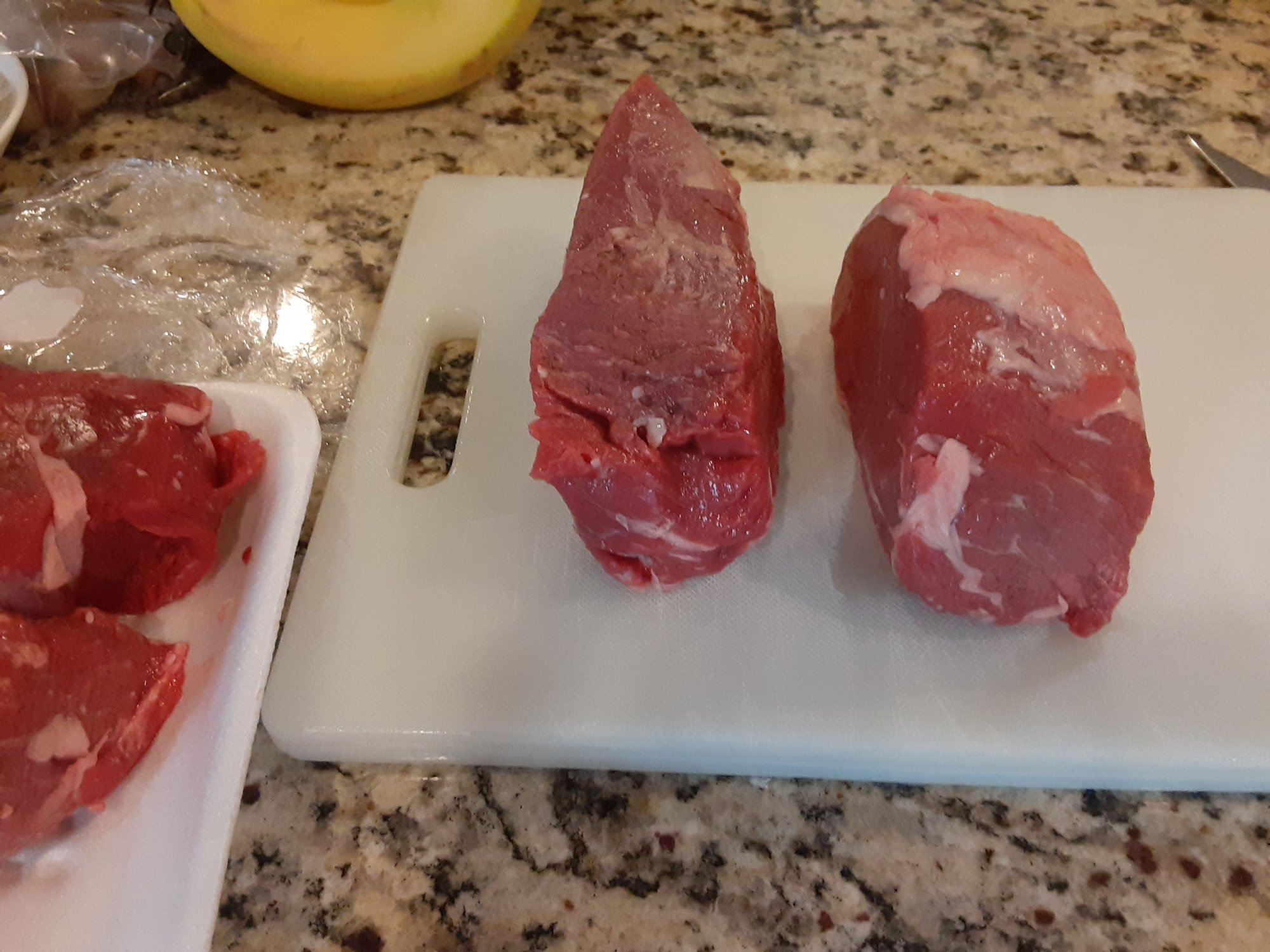
Test. I've never uploaded a pic in a FT post before. This came from one of my albums on my laptop. Now, how do I post a pic from my phone. It's a Galaxy A10e. Do I have to move the pic from my phone to my laptop first?
Thx
Oct 15, 2024 | 9:34 am
#51
Moderator: Travel Safety/Security, Travel Tools, California, Los Angeles; FlyerTalk Evangelist


Join Date: Dec 2009
Location: LAX
Programs: oneword Emerald
Posts: 24,747
Click on the "photo" icon.

Click on "From Device"

Click on "Media Picker" or whatever the equivalent might be on your phone (mine is a Samsung Galaxy S24 Ultra)

Select the type of media. "Screenshot" in this example
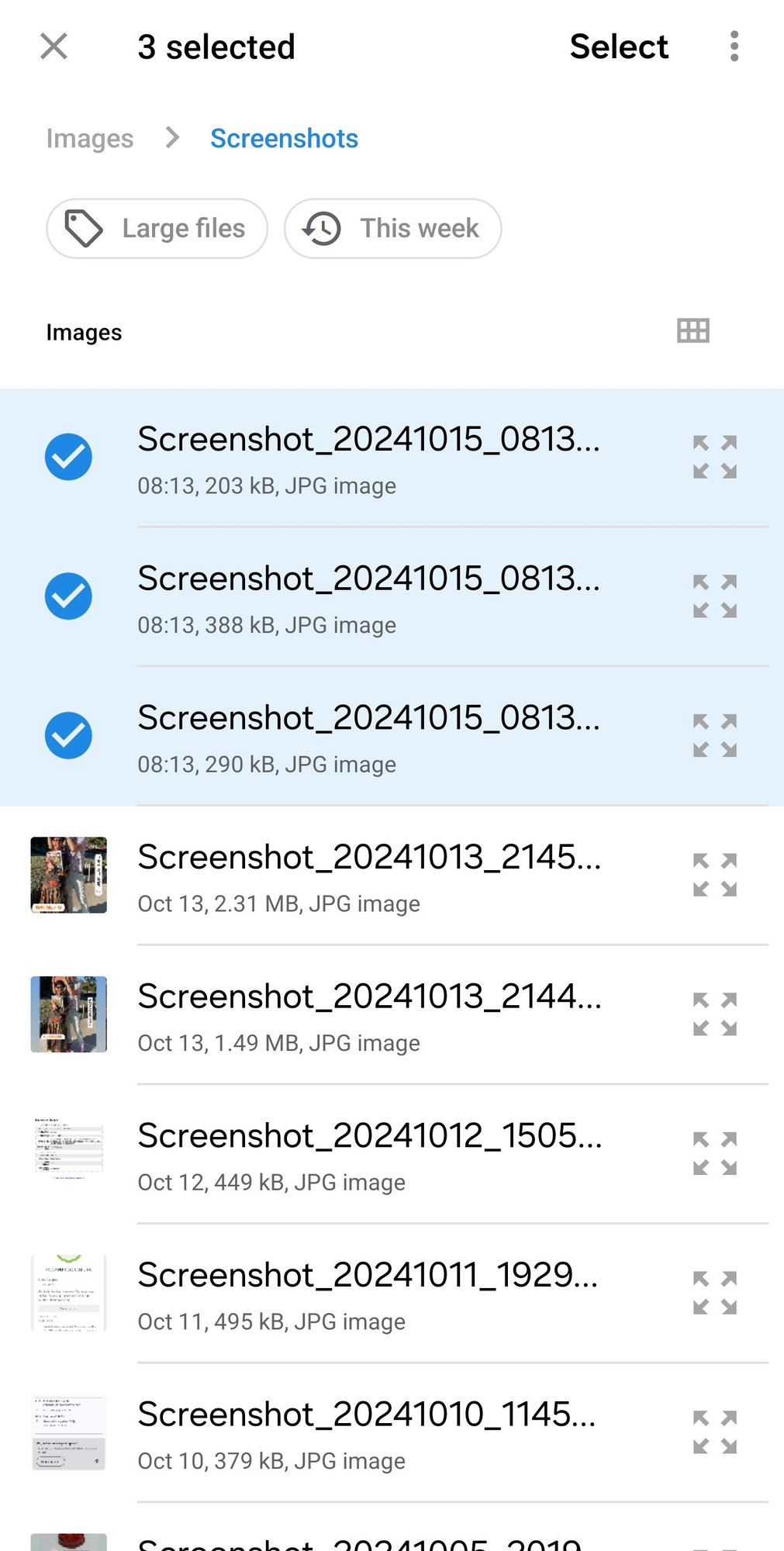
Check the images that you wish to upload and then click on "Select"
From this point on, the process is identical to uploading images from your computer.
 Nov 26, 2024 | 10:49 pm
#54


Join Date: Jan 2014
Location: BOGish. VLCish. It's complicated.
Programs: BA GGL
Posts: 933
The last few weeks I've been unable to add images to my posts either by pasting in the edit box or uploading via "Advanced".
Is this a problem at my end, or has there been a change somewhere on FT? (Chrome browser on Windows 10)
Is this a problem at my end, or has there been a change somewhere on FT? (Chrome browser on Windows 10)
Dec 10, 2024 | 6:13 am
#56
Join Date: May 2010
Location: AVP & PEK
Programs: UA 1K 2MM
Posts: 7,849
It's now asking to upload from ALBUMS not from the gallery. (I don't have albums)
Not sure if this is an issue with my phone (Android) or with Flyertalk/vBulletin???
Edit: issue with FireFox ---> it works with Brave.
Last edited by narvik; Dec 10, 2024 at 7:56 am
 Dec 21, 2024 | 12:10 pm
#57


Join Date: May 2024
Location: BRN
Programs: AY+ PLAT, (ex BA Gold), SAS GOLD, M&M FTL / *S, IHG Gold, Marriott Plat, SBB GA First Class
Posts: 1,630
I try to upload a jpg picture with the "Go Advanced" option. I always get an upload error. No hint what went wrong or why I can't upload any pictures. I checked the data type, size of the file. All good on that side.
That's what I get
That's what I get
Upload Errors
filename.jpg:
Upload of file failed.
filename.jpg:
Upload of file failed.
Dec 27, 2024 | 3:12 pm
#58
Administrator


Join Date: Sep 2015
Location: Los Angeles
Programs: Internet Brands
Posts: 4,435
How large is the photo in MB? Does the photo stop at a certain percentage uploaded?
Jan 1, 2025 | 11:54 am
#59
Join Date: May 2024
Location: BRN
Programs: AY+ PLAT, (ex BA Gold), SAS GOLD, M&M FTL / *S, IHG Gold, Marriott Plat, SBB GA First Class
Posts: 1,630
Jan 6, 2025 | 7:06 am
#60
Join Date: Jan 2016
Location: LON
Programs: BAEC
Posts: 5,131