So, a little confused...can you use the BBCODE IMG and /IMG tags in a post or not? I have a post all written up and want to copy and paste it into the Source. When I do that, all images (which are hosted on IMGUR) appear broken. When I attempt to upload an image to FT, the code looks the same but the image works:
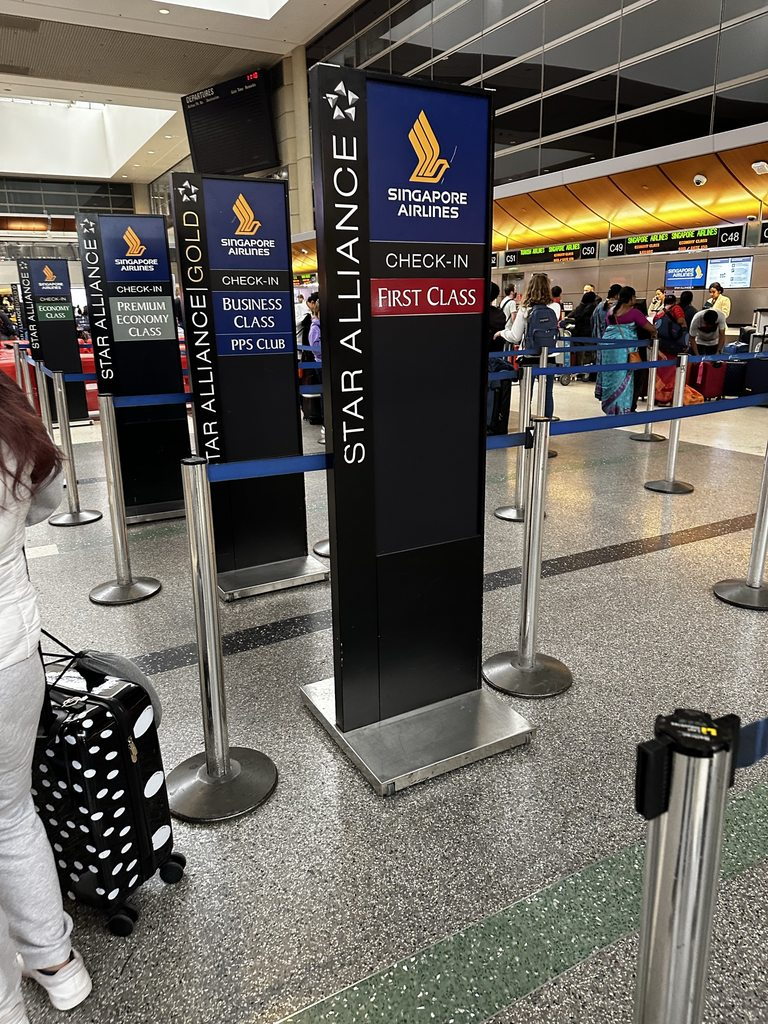
We flew Singapore Air first class to Tokyo in the middle of May for a 15 days adventure:
[ img]https://cimg7.ibsrv.net/gimg/www.flyertalk.com-vbulletin/768x1024/xeep3g2h_fe0bf841e14f32450aa9e2d08d0dd0369e5a2b48. jpg[/img]
<random text here>
[ img]https://i.imgur.com/55xUULNh.jpg[/img]
If I put the BBCode directly in the source - this is the result:
Random text here #1:
Random text #2 here

I do not want to re-upload all of these photos to FT's albums.
Thanks in advance