
























 Jan 1, 2018, 1:44 pm
Last edit by: JDiver
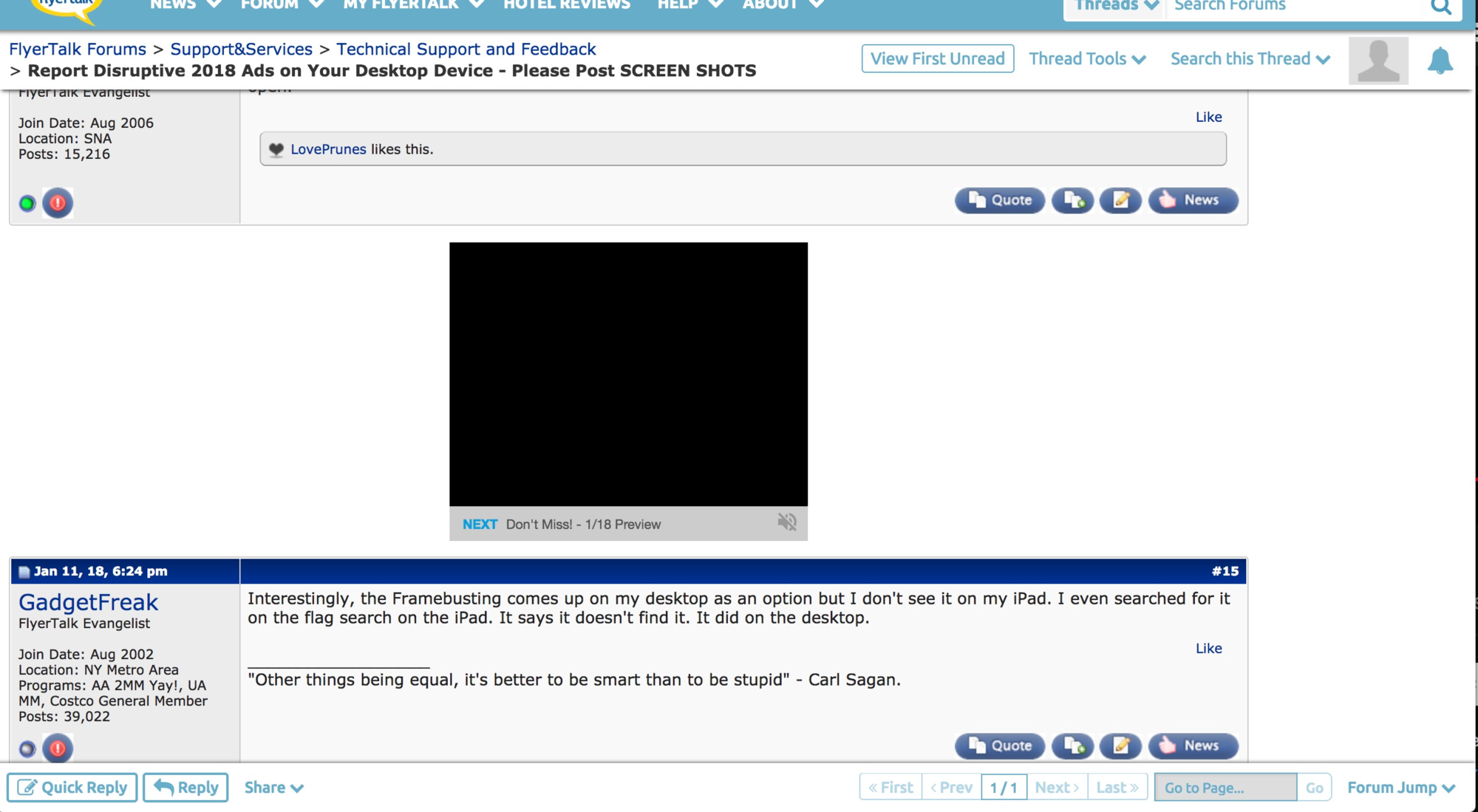
PLEASE POST SCREENSHOTS of the FULL SCREEN and report your DEVICE TYPE, OPERATING SYSTEM, BROWSER TYPE AND VERSIONS, and COUNTRY where you are browsing from in your post.This thread is strictly for the reporting of disruptive ads, including unwanted popups, page hijscks, malware attempts, etc. related to ad content on your desktop devicePlease refrain from discussion or speculation about technical issues if they are not reports as specified here.
We understand disruptive advertisements lessen the enjoyment of your FlyerTalk browsing experience. Please post all disruptive advertisement reports here; your full report (see above) will assist Internet Brands / FlyerTalk in handling these expeditiously. Admin / Tech attempts to respond to all reports speedily, but eliminating problem adverts may require communication with advertisements suppliers or devising technical solutions that may require time. (Internet Brands operates during customary and usual work hours on the U. S. West Coast; holidays, weekends, etc. are observed.)
To see how to include a screen shot in your post, once you have taken the screen shot follow the instructions "Inserting a photo or image from your device into a post:" in the first post in the thread http://www.flyertalk.com/forum/techn...mage-post.html
NOTE: Internet Brands and FlyerTalk discourage the use of software that modifies your FlyerTalk browsing experience (e.g. ad blocking software). IB / FT declines all responsibility for the use of such software and can not provide support or assistance if such software is used. As well, we remind you IB / FT can only provide FlyerTalk free to members because of the financial support of advertisers; using ad blockers denies IB / FT income that would normally pay for your free community membership and browsing experience..
Posts advocating, suggesting, or recommending use of ad blocking etc. software will be summarily deleted.
Link to Archive of 2017 posts
Link to Archive of older posts pre-2017.
To see how to include a screen shot in your post, once you have taken the screen shot follow the instructions "Inserting a photo or image from your device into a post:" in the first post in the thread http://www.flyertalk.com/forum/techn...mage-post.html
NOTE: Internet Brands and FlyerTalk discourage the use of software that modifies your FlyerTalk browsing experience (e.g. ad blocking software). IB / FT declines all responsibility for the use of such software and can not provide support or assistance if such software is used. As well, we remind you IB / FT can only provide FlyerTalk free to members because of the financial support of advertisers; using ad blockers denies IB / FT income that would normally pay for your free community membership and browsing experience..
Posts advocating, suggesting, or recommending use of ad blocking etc. software will be summarily deleted.
Link to Archive of 2017 posts
Link to Archive of older posts pre-2017.

Report Disruptive 2018 Ads on Your Desktop Device - Please Post SCREEN SHOTS
Jan 18, 2018 | 10:42 pm
#31


Join Date: Mar 2014
Location: PWM
Programs: AA EXP
Posts: 1,556
 Jan 19, 2018 | 4:48 am
#32


Join Date: Oct 2002
Location: Rolling Lakes Yacht Club
Posts: 5,211
You can easily add an exclusion in Chrome to block Flash and Java from [*.]flyertalk.com and that has ended all of the malicious pop-ups on my computer. Unfortunately there is not such and easy fix in iOS and Safari
In Chrome you will find this under settings>privacy and security> content settings
In Chrome you will find this under settings>privacy and security> content settings
 Jan 19, 2018 | 3:32 pm
#33
No longer with Internet Brands
Join Date: Mar 2011
Location: Los Angeles, CA
Programs: DL DM 1.6MM, Marriott LT Plat
Posts: 5,343
Hmm I can't really tell what the ad is for from this, which is what I need in order to ask for it to be blocked.
Jan 19, 2018 | 6:03 pm
#34
Join Date: Mar 2014
Location: PWM
Programs: AA EXP
Posts: 1,556
Feb 3, 2018 | 10:24 am
#35

Join Date: Apr 2007
Posts: 1,858
It's too bad FT doesn't have any interest in making the user experience bearable for us. As a former webmaster, I swore I'd never use anything to prevent ads from loading - that's how a site makes its money, after all. But FT has gotten out of hand (ok, that happened long ago). But more importantly, there have been no real steps taken to ameliorate this problem. As of today, all of my devices get this interesting new message when I visit (and everything runs much more smoothly):
FT, I would love to. All I ask is that you help us out by making your website run smoothly. If you can do that one small thing for us, we'd love to return the favor.
Did you know?The FlyerTalk team works very hard to keep the site free for you and provide the best possible content.Can you help us?One easy way you could help us is by disabling your AdBlocker. The funding from our sponsors helps us invest back into FlyerTalk to improve your experience.
FlyerTalk is special to us, and we want to make it special for you too.
Thank you so much,
The FlyerTalk Team
FlyerTalk is special to us, and we want to make it special for you too.
Thank you so much,
The FlyerTalk Team

 Feb 3, 2018 | 2:58 pm
#37
Join Date: Mar 2014
Location: PWM
Programs: AA EXP
Posts: 1,556
Last night it autoplayed “You can buy a home with as little as” and then stopped.
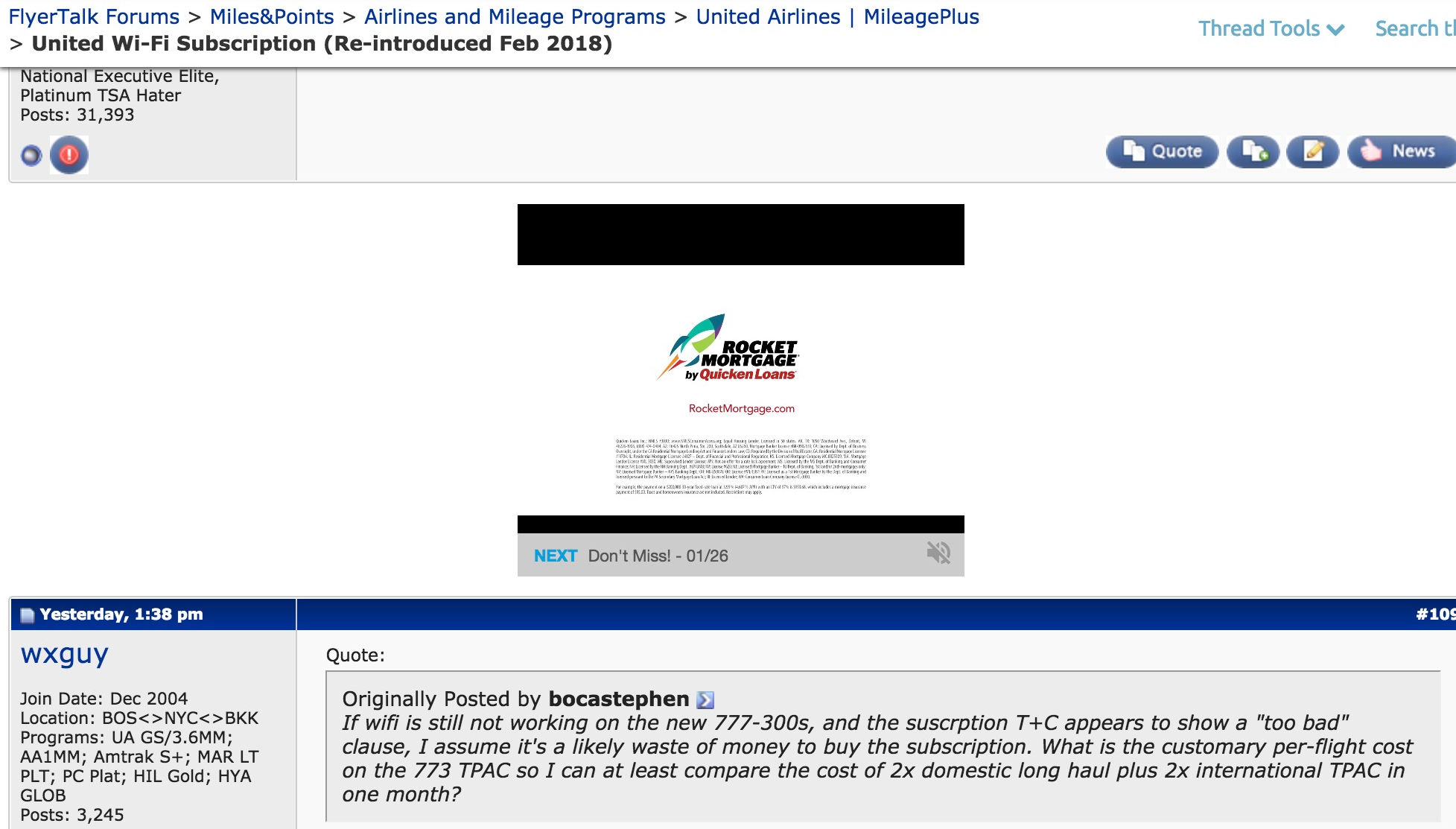
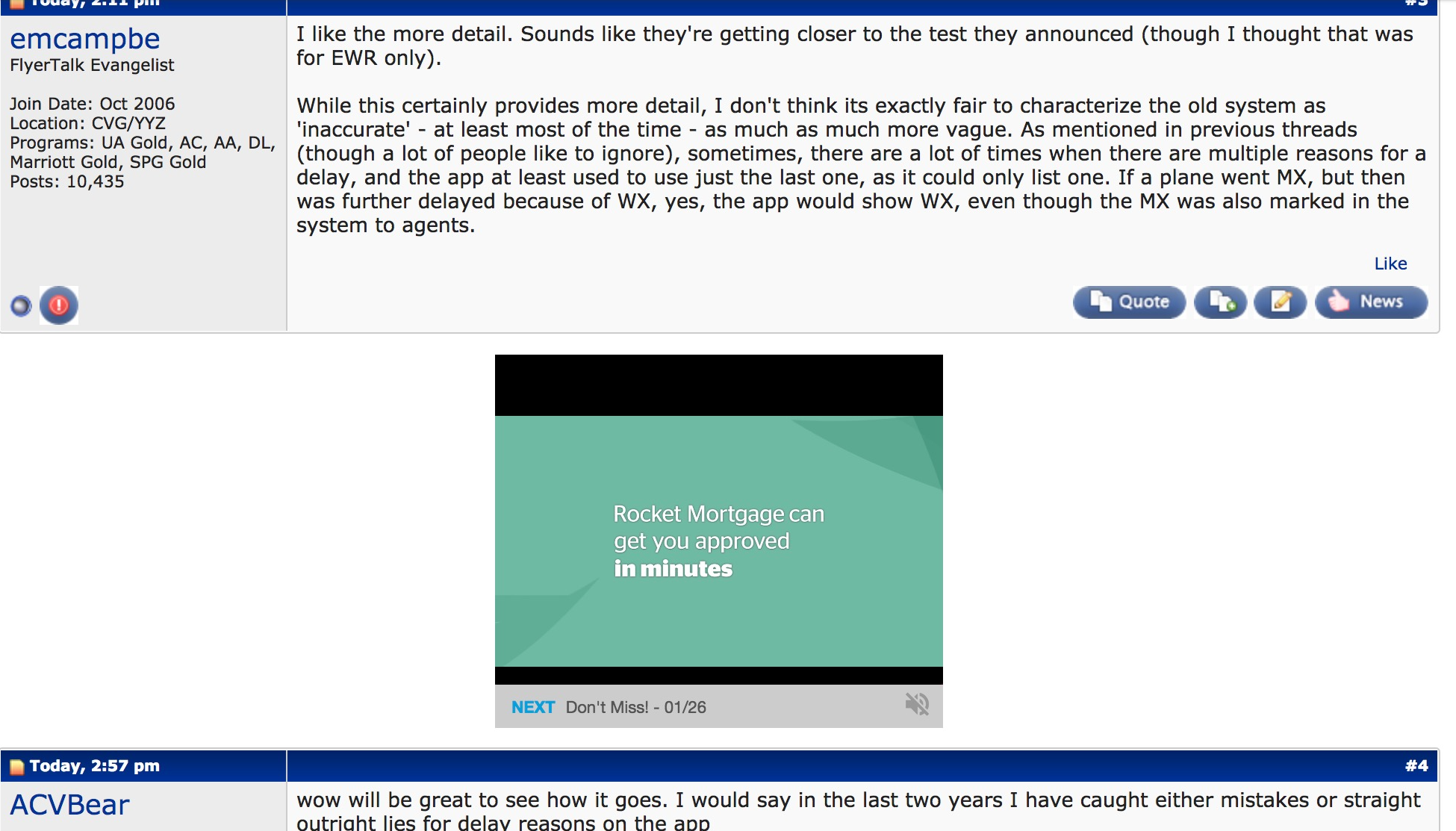
Today it autoplayed “Did you know you.” So it seems to realize it shouldn't be playing after a few seconds!
 And here's a third offender (I think): Subaru. It only played half a second of music. Can we ban that stupid video player???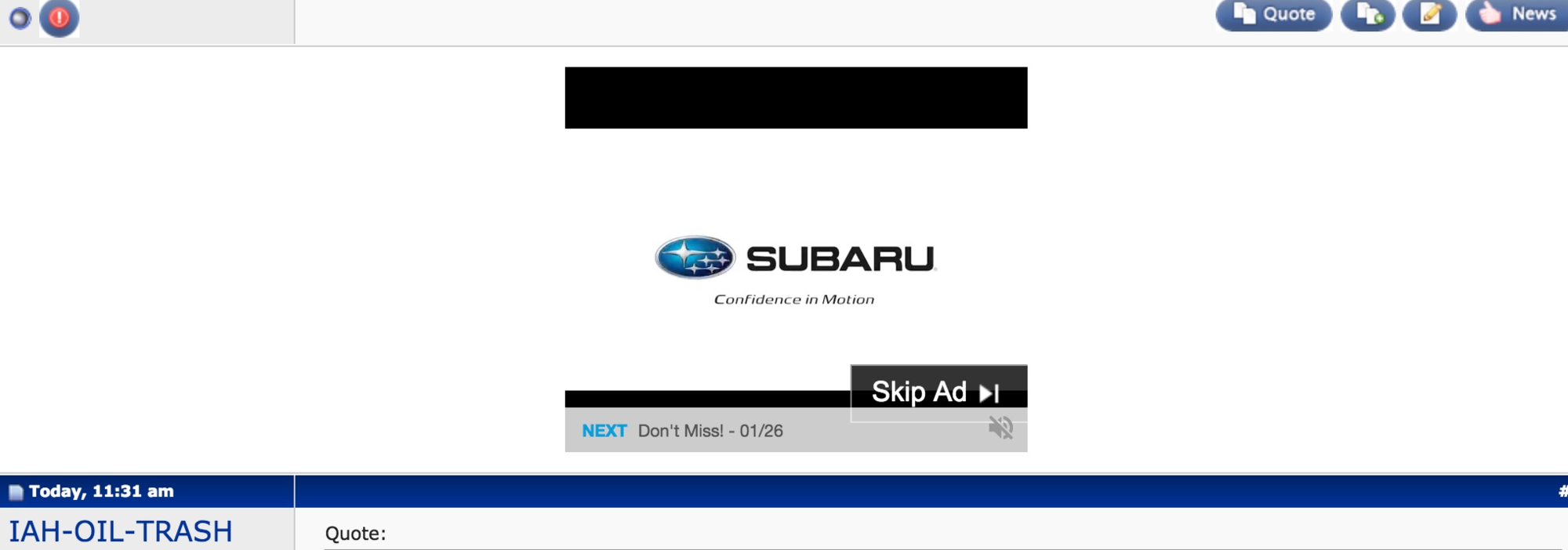
Last edited by sexykitten7; Feb 3, 2018 at 3:26 pm Reason: and another
Feb 14, 2018 | 10:14 am
#39
Join Date: Jun 2007
Location: gggrrrovvveee (ORD)
Programs: UA Pt, Marriott Ti, Hertz PC, Avis PC
Posts: 6,095
Feb 14, 2018 | 11:36 am
#40
No longer with Internet Brands
Join Date: Mar 2011
Location: Los Angeles, CA
Programs: DL DM 1.6MM, Marriott LT Plat
Posts: 5,343
Feb 15, 2018 | 7:59 am
#41
FlyerTalk Evangelist
Join Date: Oct 2011
Location: ATL
Programs: DL Scattered Smothered Covered Medallion, Some hotel & car stuff, Kroger Plus Card
Posts: 10,804
The issues with ads blasting sound for 1-2 seconds as a page load is getting more prevalent in the last couple days. Used to be maybe 1 in 20 or 30 pages had it. Now it's nearly every page. Between this and all the downtime recently, my browsing of FT has definitely gone down.
Here's one of the suspected culprits:

Here's one of the suspected culprits:
Feb 15, 2018 | 8:01 am
#42
FlyerTalk Evangelist
Join Date: Oct 2011
Location: ATL
Programs: DL Scattered Smothered Covered Medallion, Some hotel & car stuff, Kroger Plus Card
Posts: 10,804
Also it took me about 20 minutes to post that previous comment (and is taking me another 2-3 just to add this one) due to the continuous loading/redirects of ad servers on this page (as indicated by the traffic notes at the bottom left of my Chrome window).
Feb 15, 2018 | 2:16 pm
#43
No longer with Internet Brands
Join Date: Mar 2011
Location: Los Angeles, CA
Programs: DL DM 1.6MM, Marriott LT Plat
Posts: 5,343
What are the notes it's getting stuck on?
Feb 15, 2018 | 2:48 pm
#44
FlyerTalk Evangelist
Join Date: Oct 2011
Location: ATL
Programs: DL Scattered Smothered Covered Medallion, Some hotel & car stuff, Kroger Plus Card
Posts: 10,804
Not so much getting stuck on any single one - just occasionally will load a FT page and it will rapidly/endlessly be cycling through a bunch of "Waiting for connection"/"establishing secure connection"/"Waiting for xyz.blahblahblah.com" etc. Whenever that cycle lasts more then 3-4 seconds, it will keep going for several minutes until finally Chrome times out and gives me "Page unresponsive"
Feb 15, 2018 | 2:56 pm
#45
No longer with Internet Brands
Join Date: Mar 2011
Location: Los Angeles, CA
Programs: DL DM 1.6MM, Marriott LT Plat
Posts: 5,343
Not so much getting stuck on any single one - just occasionally will load a FT page and it will rapidly/endlessly be cycling through a bunch of "Waiting for connection"/"establishing secure connection"/"Waiting for xyz.blahblahblah.com" etc. Whenever that cycle lasts more then 3-4 seconds, it will keep going for several minutes until finally Chrome times out and gives me "Page unresponsive"
Also please let us know what device and browser, and if you are using the desktop or mobile skin?