
























 Nov 30, 2017, 8:41 am
Last edit by: JDiver
Some ways to reverse new features
1) Disabling infinite scroll:
2) Restore previous post editing options:
NOTE: For ease of both members posting and Technical Support, this thread has been split into two threads for 2018; one exclusively for MOBILE devices, the other for DESKTOP devices. You can find them here:
2018 FT Nov 2017 Upgrade for DESKTOP Devices BUG REPORTS (link), and
2018 FT Nov 2017 Upgrade for MOBILE Devices BUG REPORTS
1) Disabling infinite scroll:
- Go to My FlyerTalk Control Panel
- Edit options
- Disable Infinite Scroll
- Edit options
2) Restore previous post editing options:
- Go to My FlyerTalk Control Panel
- Settings and Options
- Miscellaneous Options
- Message Editor Interface and select “Standard Editor -- extra formatting controls” (you may see odd behavior in this unsupported editor)
- Miscellaneous Options
- Settings and Options
NOTE: For ease of both members posting and Technical Support, this thread has been split into two threads for 2018; one exclusively for MOBILE devices, the other for DESKTOP devices. You can find them here:
2018 FT Nov 2017 Upgrade for DESKTOP Devices BUG REPORTS (link), and
2018 FT Nov 2017 Upgrade for MOBILE Devices BUG REPORTS

ARCHIVE: FT 15 Nov 2017 Upgrade Tech Thread - 2017 BUG REPORTS
Nov 15, 2017 | 3:05 pm
#182
Administrator


Join Date: Sep 2015
Location: Los Angeles
Programs: Internet Brands
Posts: 4,440
CW, that first one might work. I'll consult our designer.
 Nov 15, 2017 | 3:05 pm
#183
FlyerTalk Evangelist
Join Date: Aug 2010
Location: Europe & Indonesia
Programs: BAEC Gold, LH SEN, EK ex-Gold, IHG Plat
Posts: 11,571
Nov 15, 2017 | 3:06 pm
#184
Administrator
Join Date: Sep 2015
Location: Los Angeles
Programs: Internet Brands
Posts: 4,440
Not liking the new format. Was away for a few weeks and come back to find a new format. Trying to go back to first unread post and in some cases (long threads), I am not taken to the first unread post. For example, my last visit was Oct 28, but I'm only taken back to Nov 8 in long threads. Also, long threads no longer seem to have the option for you to choose which page to go to (this would be a workaround for the problem I just mentioned) or at least I can't figure out how to choose a page - no number of pages is shown within the thread.
If you go to "MyFlyerTalk", then "Edit Options" and disable infinite scroll, the page numbers will return.
Nov 15, 2017 | 3:08 pm
#185
Join Date: Sep 2016
Location: LON, PDX
Programs: DL PM, AS MVP 75K, HH/SPG/MR Gold, Amex Plat, PRG, CSR
Posts: 2,064
Thank you.
Here's another one. But I really would love the border to go away. Obviously the second one in the first post is tongue-in-cheek, but that's what I really want. Is there a reason that it can't be turned off for individual users?
I'm sure you know that many users are using a method to get rid of likes on desktop that directly impacts your revenue.
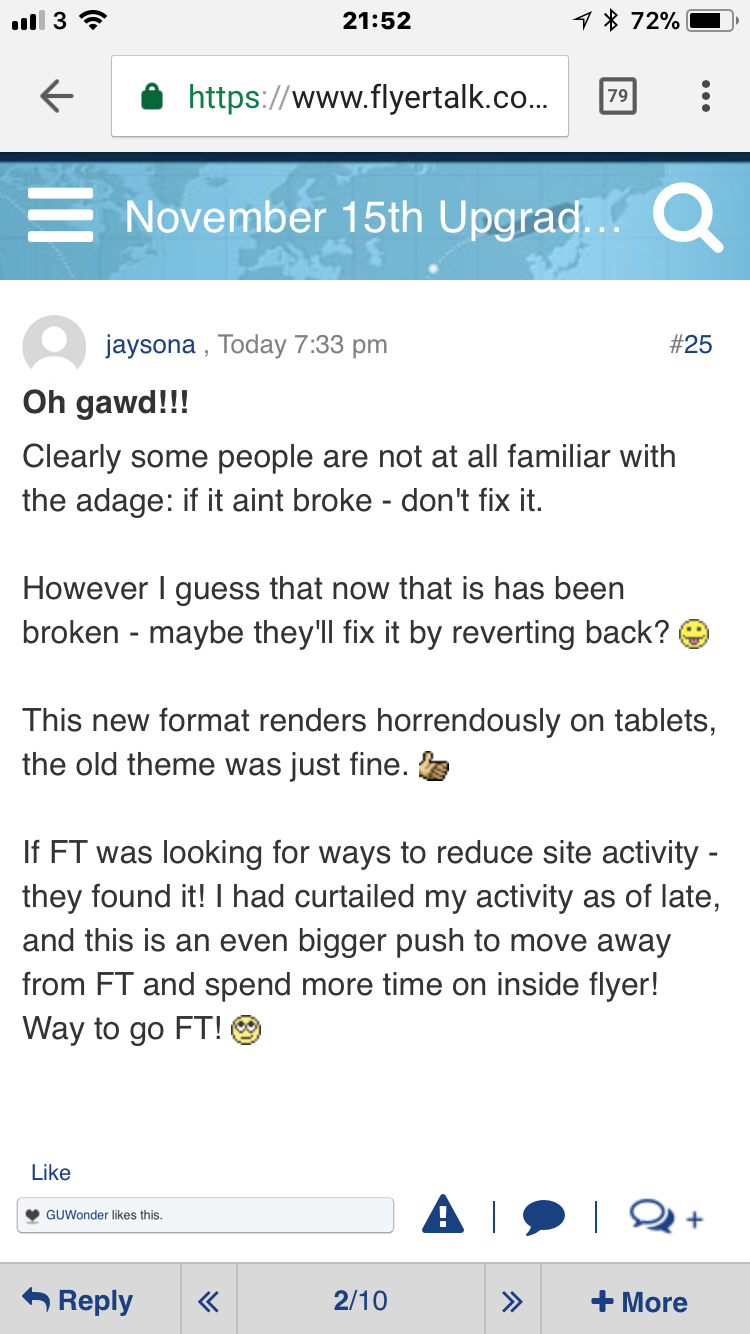
Here's another one. But I really would love the border to go away. Obviously the second one in the first post is tongue-in-cheek, but that's what I really want. Is there a reason that it can't be turned off for individual users?
I'm sure you know that many users are using a method to get rid of likes on desktop that directly impacts your revenue.
Nov 15, 2017 | 3:12 pm
#186
FlyerTalk Evangelist
Join Date: Aug 2010
Location: Europe & Indonesia
Programs: BAEC Gold, LH SEN, EK ex-Gold, IHG Plat
Posts: 11,571
Nov 15, 2017 | 3:12 pm
#187
Administrator
Join Date: Sep 2015
Location: Los Angeles
Programs: Internet Brands
Posts: 4,440
Nov 15, 2017 | 3:13 pm
#188
Ambassador: Emirates Airlines
Join Date: Sep 2004
Location: Manchester, UK
Posts: 19,804
Nov 15, 2017 | 3:13 pm
#189
Defunct Account
Join Date: Sep 2013
Posts: 86
Can everyone provide browser and device info?
Nov 15, 2017 | 3:16 pm
#190
Administrator
Join Date: Sep 2015
Location: Los Angeles
Programs: Internet Brands
Posts: 4,440
Are you guys logged in when you get to the site on mobile?
Nov 15, 2017 | 3:17 pm
#191
FlyerTalk Evangelist

Join Date: Aug 2002
Location: London
Programs: Mucci. Nothing else matters.
Posts: 38,752
Nov 15, 2017 | 3:19 pm
#192
Administrator
Join Date: Sep 2015
Location: Los Angeles
Programs: Internet Brands
Posts: 4,440
Nov 15, 2017 | 3:22 pm
#193
Join Date: Sep 2016
Location: LON, PDX
Programs: DL PM, AS MVP 75K, HH/SPG/MR Gold, Amex Plat, PRG, CSR
Posts: 2,064
 Nov 15, 2017 | 3:26 pm
#194

Join Date: Jun 2008
Location: YVR
Programs: Aeroplan, AAdvantage
Posts: 2,107
The my content and my threads links are gone from Quick Links. That's... a problem.
Nov 15, 2017 | 3:27 pm
#195
Suspended
Join Date: Jul 2010
Location: Orlando, FL Area
Programs: Delta SkySponge ExtraAbsorbent, SPG Gold
Posts: 29,980
Get rid of it. Please.