Originally Posted by
IBJoel
I see you're on a Mac, which browser are you using? I also want to make sure you're on the Full CKEditor for FlyerTalk. You don't really have to upload from your FT album, since any photo is automatically added to your FT album when you upload it to your post and the system automatically pulls from your album. Can you please post a screenshot of your upload page as it attempts to load?
Hello, Sir.
As I said at Post #16 , system is
Mac (OS Catalina) with Safari, clocking 77 mbps download via fibre cable. Safari is Version 13.0.3, the latest.
Using FT Desktop NG ... I'm not getting another option showing, apart from Mobile One.
I tried the FT album route but it was s convoluted I gave up. Anyway, I'm now slowly uploading images via the 'normal' route as I said at Post #17 . It just takes a long time for the Upload page to complete loading ...
This is the Upload page initially ... then wait for a minute, as none of the buttons are functional!
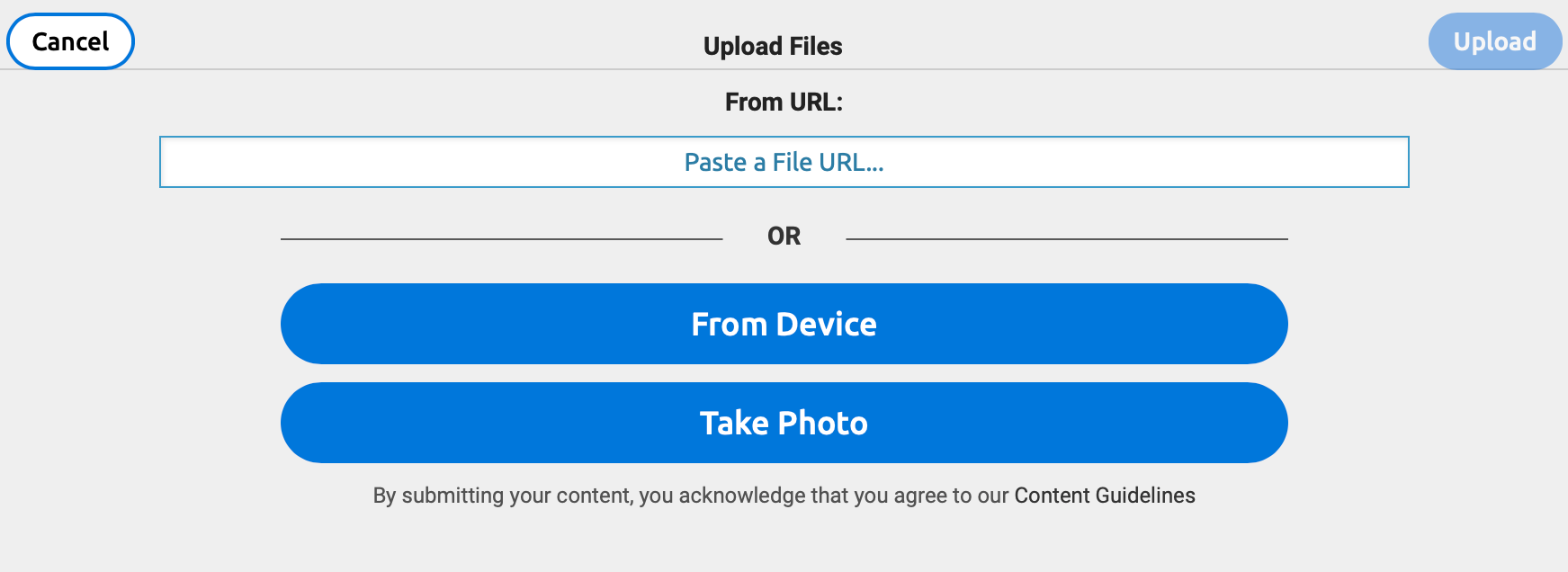
... and then
eventually, the screen fully loads and it works as advertised.
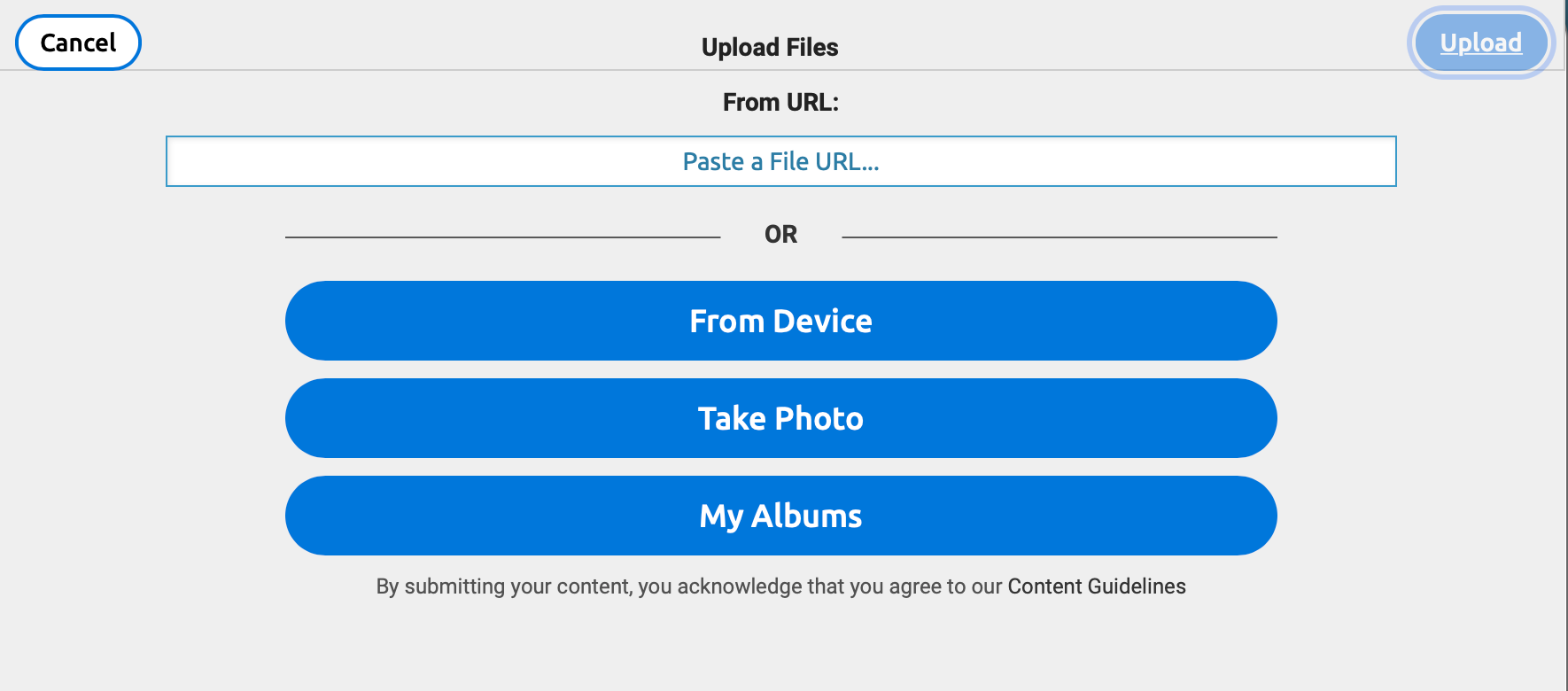 Essentially, it's hanging up on the generation of the "My Albums" button.
Images on the TR cited at Post # 17 are slowly getting uploaded ... it's just a painfully slow process!
Hope this all helps.