
























Image posting errors
 Mar 29, 2026 | 12:25 pm
#1
Original Poster


Join Date: Nov 2005
Location: YSC (and all its regularly scheduled flights)
Posts: 2,826
Image posting errors
I recently posted an image to this post: https://www.flyertalk.com/forum/37674198-post1795.html. The AC admin has already cleaned it up, but suggested that I post here.
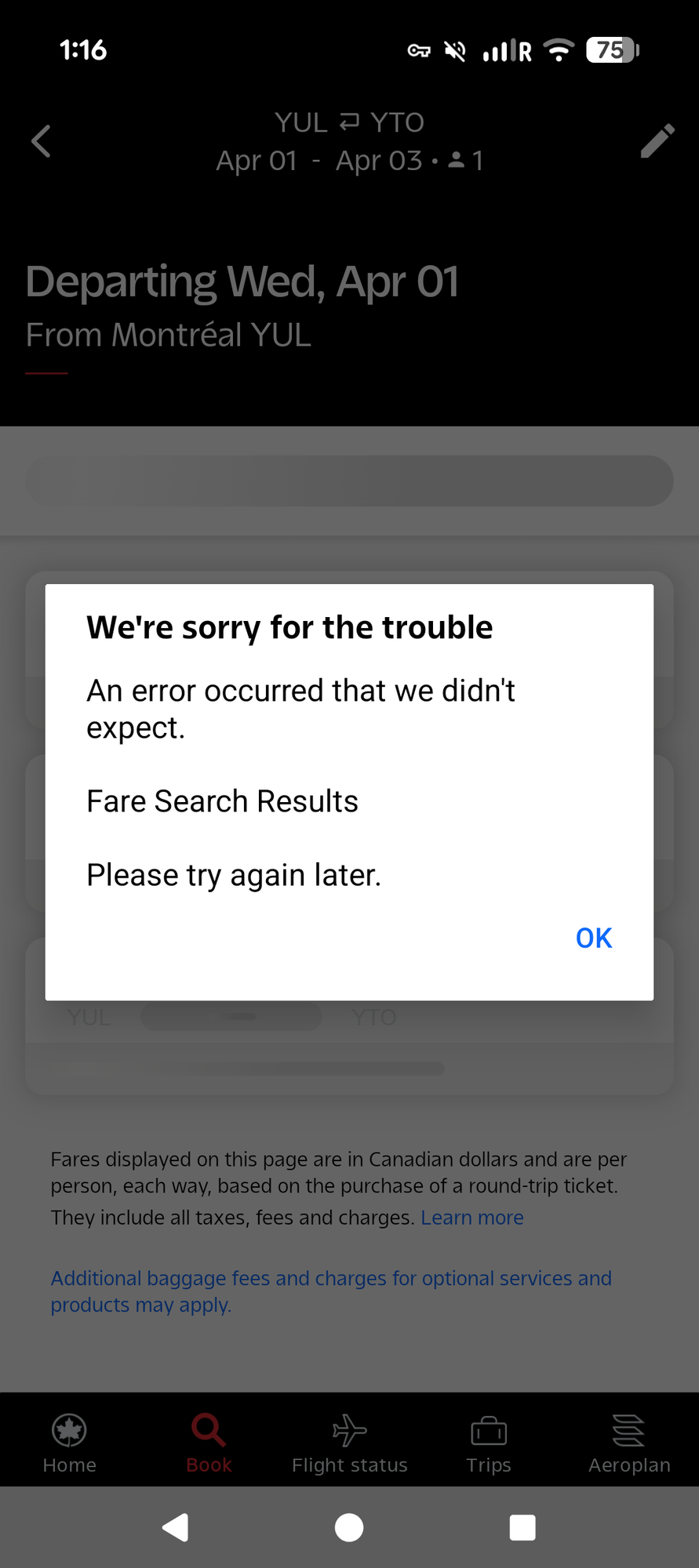
After the original post I could see the image when trying to edit it, but when posted the image just showed an error. I've tried to recreate it here.
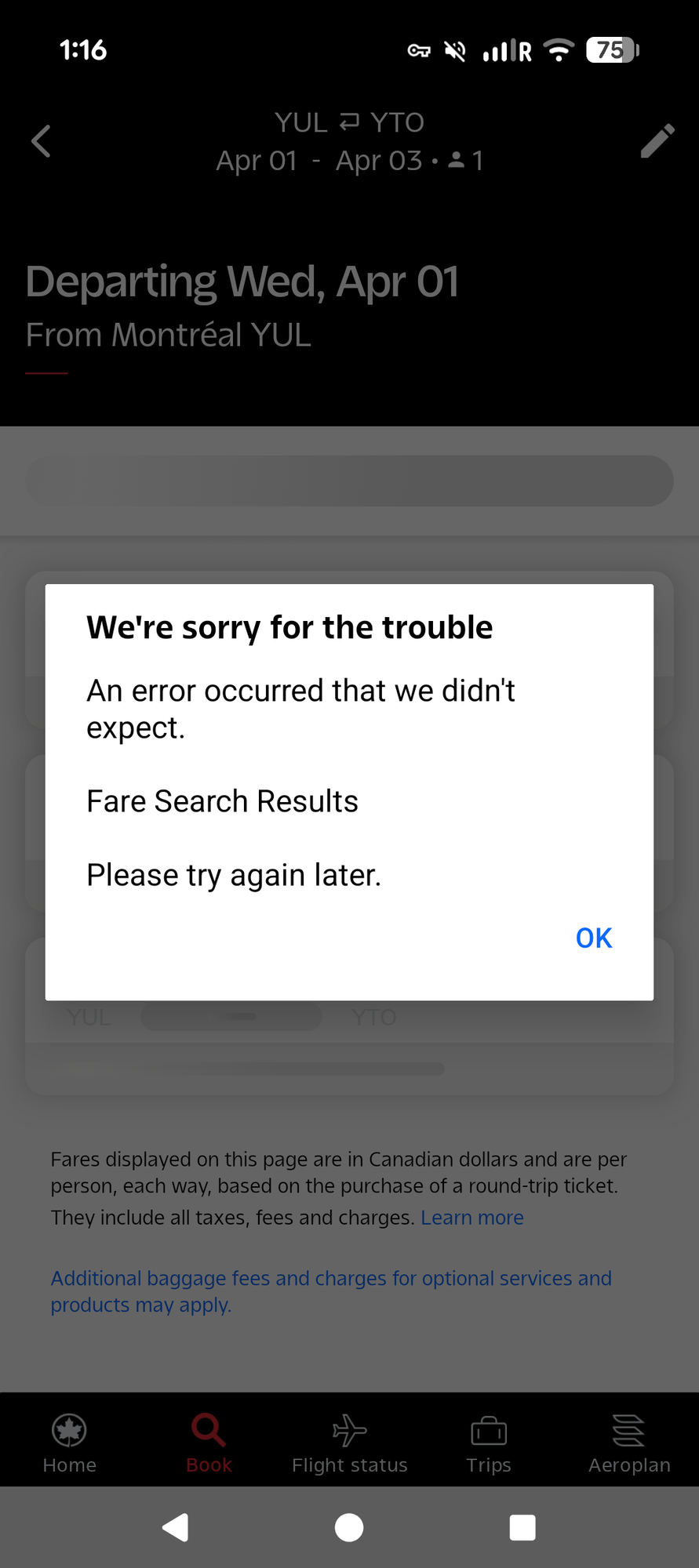
After the original post I could see the image when trying to edit it, but when posted the image just showed an error. I've tried to recreate it here.

 Mar 29, 2026 | 12:28 pm
#3
Original Poster
Join Date: Nov 2005
Location: YSC (and all its regularly scheduled flights)
Posts: 2,826
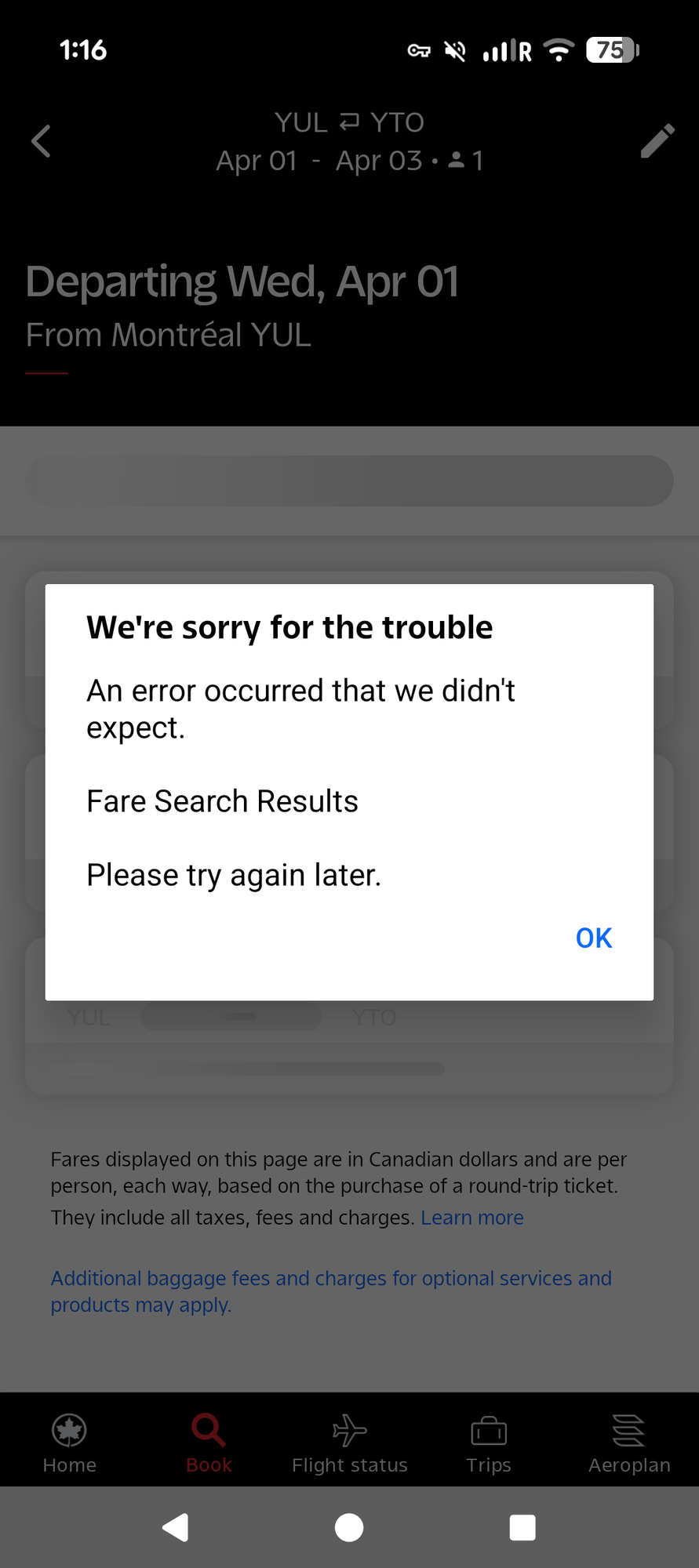
Of course I can't repeat the error! Maybe there is something that you can use in the original post linked in the 1st file.
I was uploading a screenshot from Android from my W10 laptop using Firefox and a VPN.
I was uploading a screenshot from Android from my W10 laptop using Firefox and a VPN.
 Mar 29, 2026 | 1:57 pm
#5
Moderator: Hyatt, American Express; FlyerTalk Evangelist


Join Date: Jun 2015
Location: WAS
Programs: :rolleyes:, DL DM, AA EXP, UA Silver, Hyatt Glob, Mlife Noir (=> Marriott Amb), invol FT beta tester
Posts: 21,632
For what it's worth, we had a recent instance in the Hyatt forum where a poster uploaded photos from an iPad/iPhone and the upload process apparently tried to add an ALT attribute on the IMG tag which doesn't seem to be supported by the forum software.
it appeared as
it appeared as
Code:
[img alt="(image caption)
"]image url[/img]
Mar 29, 2026 | 2:00 pm
#6
Moderator, Air Canada; FlyerTalk Evangelist
Join Date: Feb 2015
Location: YYC
Programs: AC SE MM, FB Plat, WS Plat, BA Silver, Marriott Plat, Hilton Gold, Accor Gold
Posts: 18,959
The issue here is that img alt text seems to get automatically inserted. In edit mode, the image will still show up. But when the post gets made, it won't.
Here's the code from the original post by painintheuk before I edited it (I've deliberately inserted a space before/after the open/close square brackets so the code will be visible): [ img alt="AC App fail
"]https://cimg8.ibsrv.net/gimg/www.flyertalk.com-vbulletin/900x2000/ac_app_fail_f08476a1ab4c1830e2b66134d5115de6e6a93f d3.png[/img ]
Here's the code from the original post by painintheuk before I edited it (I've deliberately inserted a space before/after the open/close square brackets so the code will be visible): [ img alt="AC App fail
"]https://cimg8.ibsrv.net/gimg/www.flyertalk.com-vbulletin/900x2000/ac_app_fail_f08476a1ab4c1830e2b66134d5115de6e6a93f d3.png[/img ]
Mar 29, 2026 | 5:42 pm
#7
FlyerTalk Evangelist


Join Date: Nov 2009
Location: SEA — the REAL Washington; occasionally in the other Washington (DCA area)
Programs: AS MVPG 100K (Atmos Titanium) / 0.5MM; DL fallen PM (1.58MM = “Complimentary Annual GM”); AA Gold
Posts: 24,430
seems similar to this from a couple months ago
