Originally Posted by
ariadgr_
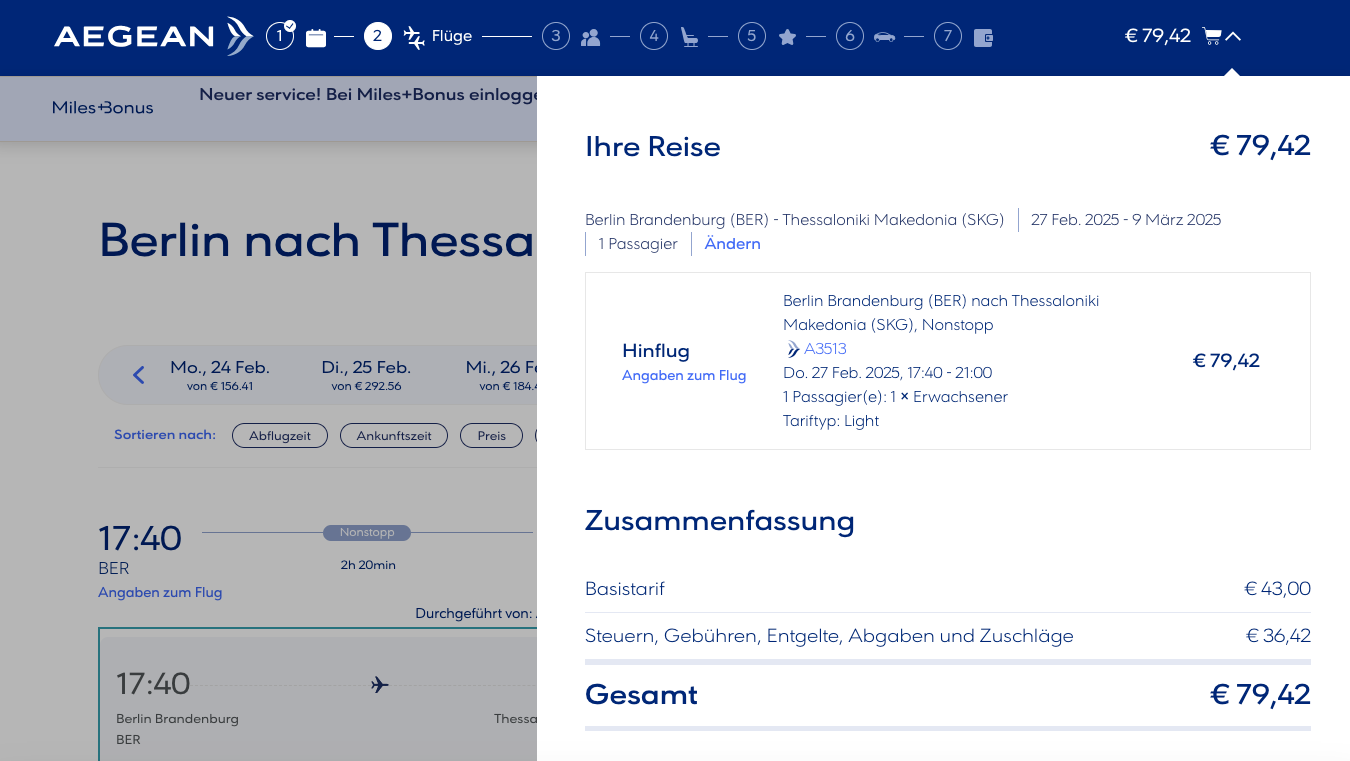
as mentioned on the 2nd message of this thread, after you select the flights and the category (light/flex/comfortflex), click the (down) arrow in the top right corner (next to the shopping cart)
The advise above seems to no longer be the case (see attached image below)... Only the fare type is shown (in this case "Light"), but not the corresponding fare bucket letter. Has anyone found a new way with the current website?