Originally Posted by
sbams
You don't need to cancel and rebook. Just go in to your reservation online (I find that it's easier on the website than the app). Next to the dates you will see a button "Edit Stay". Here you can modify the booking. All of the available options will be shown, so just keep the dates the same and look at the choices for rooms using points. If it is cheaper just click on it and your new points price will be applied.
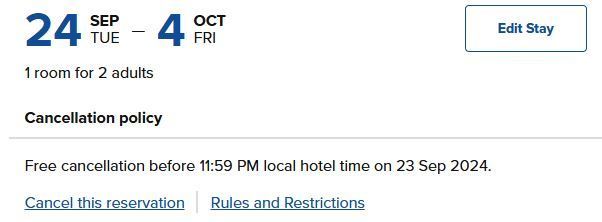
When I try to do this it still wants to use my current points to pay for the new stay, rather than apply the points used for the original booking.