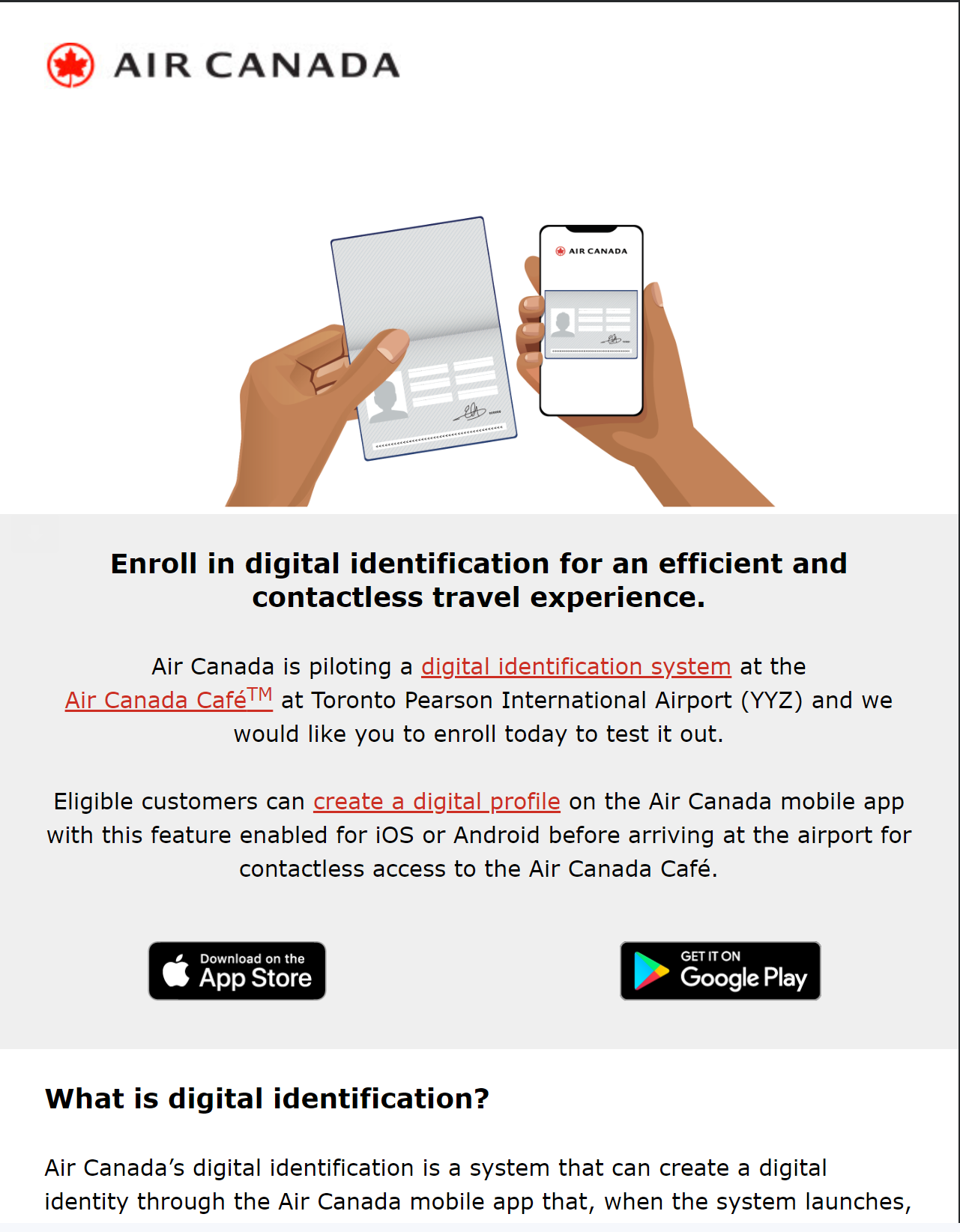
Received this in my mail today.
What is digital identification?
Air Canada’s digital identification is a system that can create a digital identity through the Air Canada mobile app that, when the system launches, will allow you to board your select flight and access participating Maple Leaf Lounge and the Air Canada Café without having to show your boarding pass or government ID.
How digital identification works:
1. The app will prompt you to take a picture of your passport, scan the passport chip, then take a selfie. The system will compare both images, compare them, and authenticate you if the photos match.
2. If successful, a digital profile will be created on your device; your digital profile, which is sent to your device, will contain only your selfie, a unique identifier, and details from your passport.
3. Your facial biometrics are immediately deleted and will not remain part of your digital profile.
How to create your digital profile:
1. On your Air Canada mobile app, tap the "Home" tab from the secondary menu in the top left.
2. Select "Personal data", then "Digital identification".
3. From there, follow the prompts to complete your digital profile.