Originally Posted by
philemer
When I log in to the website and chose "Trips" it takes me to the "Manage Your Reservation" page where I have to enter my name & Conf. code. Then it still doesn't pull up the trip. What's going on? Can others ck and see it it's just me?
I can see my TRIPS just fine on the app but I prefer to use the website.
I see that in Safari. I log in on the website, then when I go to trips, I get this.
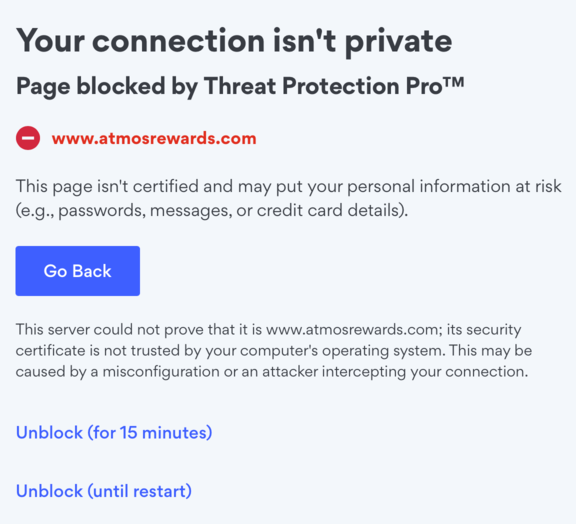
Unblocking it leads to the entering confirmation code and last name that you see.
Without NordVPN's Threat Protection running I get this in Safari.
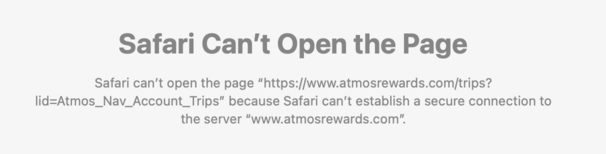
But still no list of trips. Running Ventura on an older iMac, so not the latest MacOS.
I get the list of trips in other browsers such as Chrome.
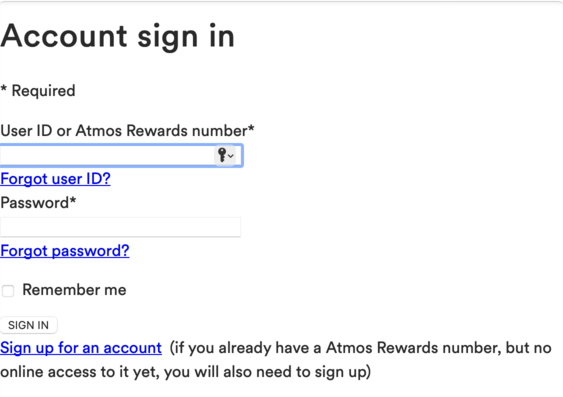
By the way, logging in using Safari looks funny too.