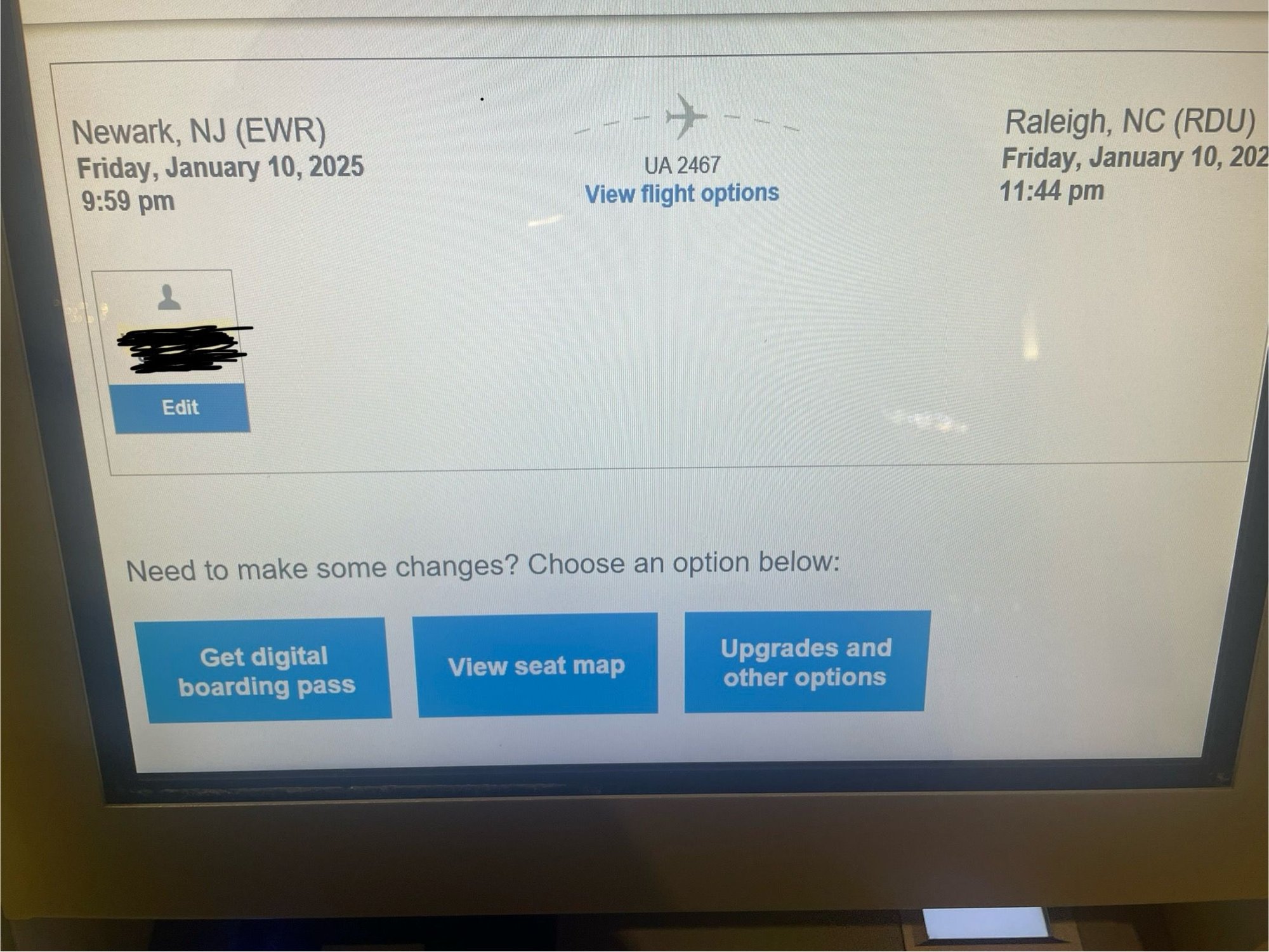
As of this week, if you check-in/need to re-print a boarding pass at a United self service kiosk, you’ll first be prompted to retrieve it on the United app.
When you’re done adding documents/bags, etc. one option is to “get digital boarding pass”, and it will first give you the choice of getting a mobile BP texted to you or a PDF emailed to you.
Underneath there’s a “more options” button which will only then allow you to print a paper boarding card.
The good news is no functionality has changed to the system the Customer service Reps use. They can still quickly print paper passes. I’ve attached some photos for reference.