Originally Posted by
IBobi
You do not have to load photos onto your album. Just click the little "photo" icon in the edit box and follow the prompts.
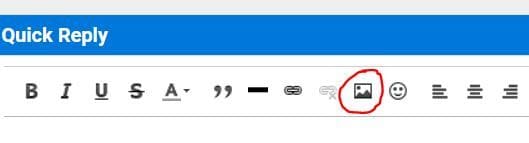
Where do you enable this bar (WYSIWYG I believe)? My editor is plain-text only and I can't find any option to show the toolbar shown. Miscellaneous options does not have the option to enable WYSIWYG. Feel like an idiot.
EDIT: Support got back to me:
go here:
https://www.flyertalk.com/forum/prof...do=editoptions
You can scroll down to "Message Editor Interface" and select "Full CKEditor"