Originally Posted by
imnotalawyer
What error are you receiving? More detail would help determine which end of the screen (you or the app) the source of the error originates from...
For Apple Pay, I get “Payment Processing,” then “Processing,” and then “Payment Failed.” No other messages.
When adding my Amex card manually to the app (I’ve also tried non-Amex cards), I get a red banner at the top that says, “We're sorry that we are unable to process your transaction at this time.Please check that you've entered all of the credit card information correctly.If you are still experiencing problems, please contact your credit card company. (APP4241)”
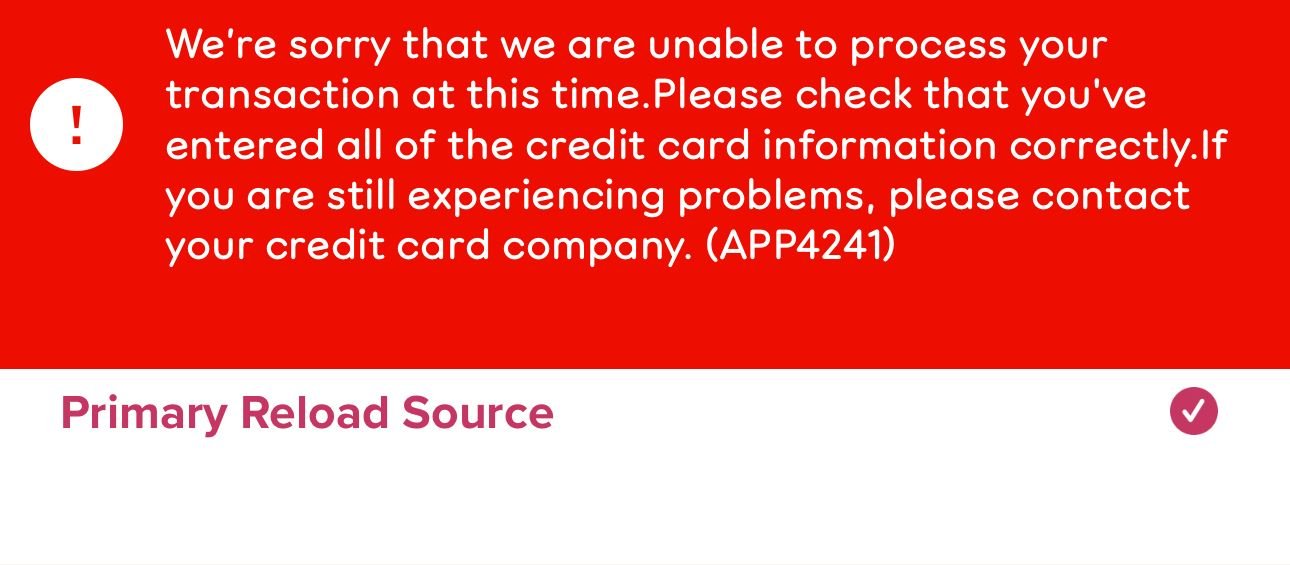
I have tried this with multiple Gold cards and with various other Visa cards, and I can’t get any of them manually added in the “Add/Manage Cards” area of the app.