Originally Posted by
SPN Lifer (Post # 101)
Is there any information on deleting the Tracked Keyword Alert (Weekly) PMs?
Originally Posted by
IBJoel (Post # 102)
I'm not certain what method you're using to delete your other PMs, but I could delete the Keyword ones no problem.
Check the box to the right of the PM (while looking at your general inbox)
Scroll to the bottom and click "delete" from the drop down menu
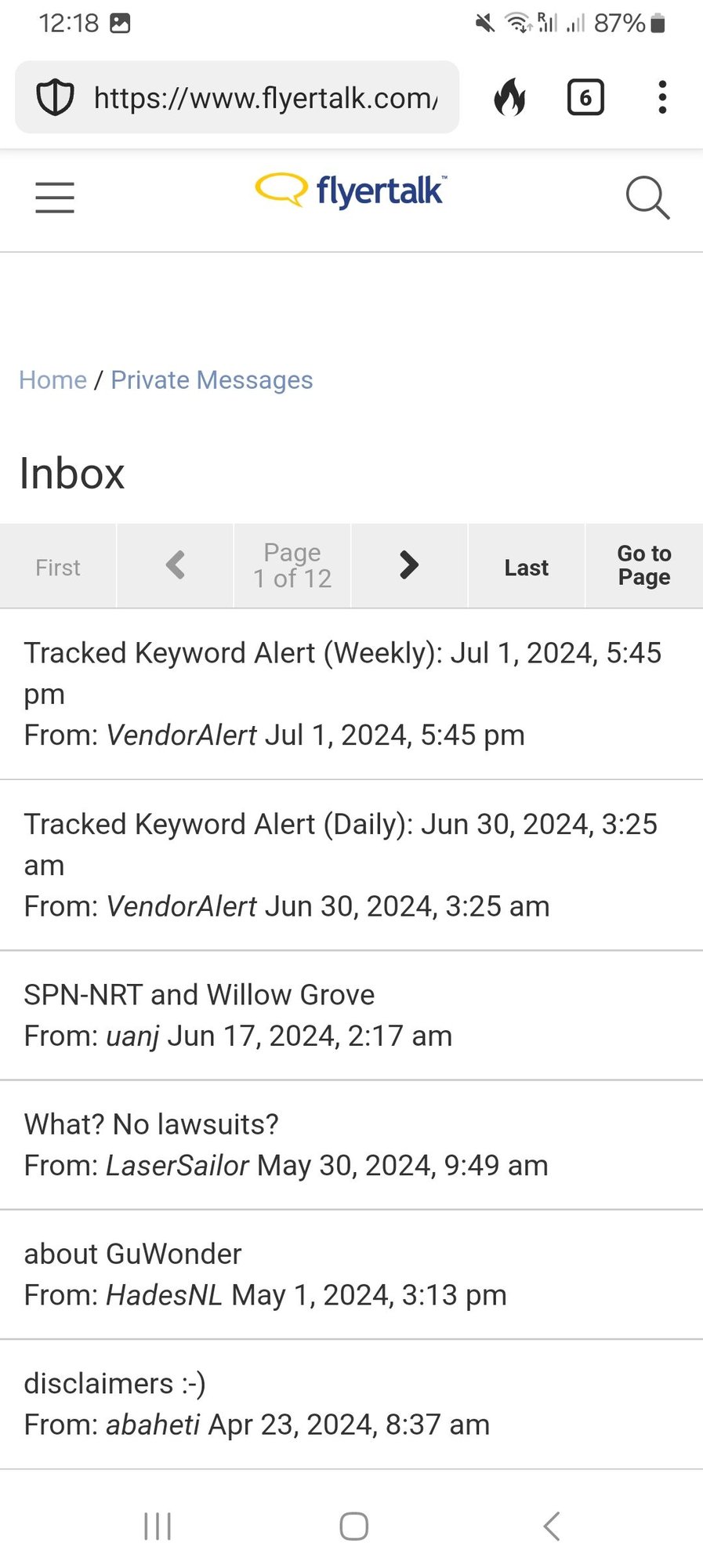
In my Android phone the general inbox does not have boxes to check at the right of each PM.
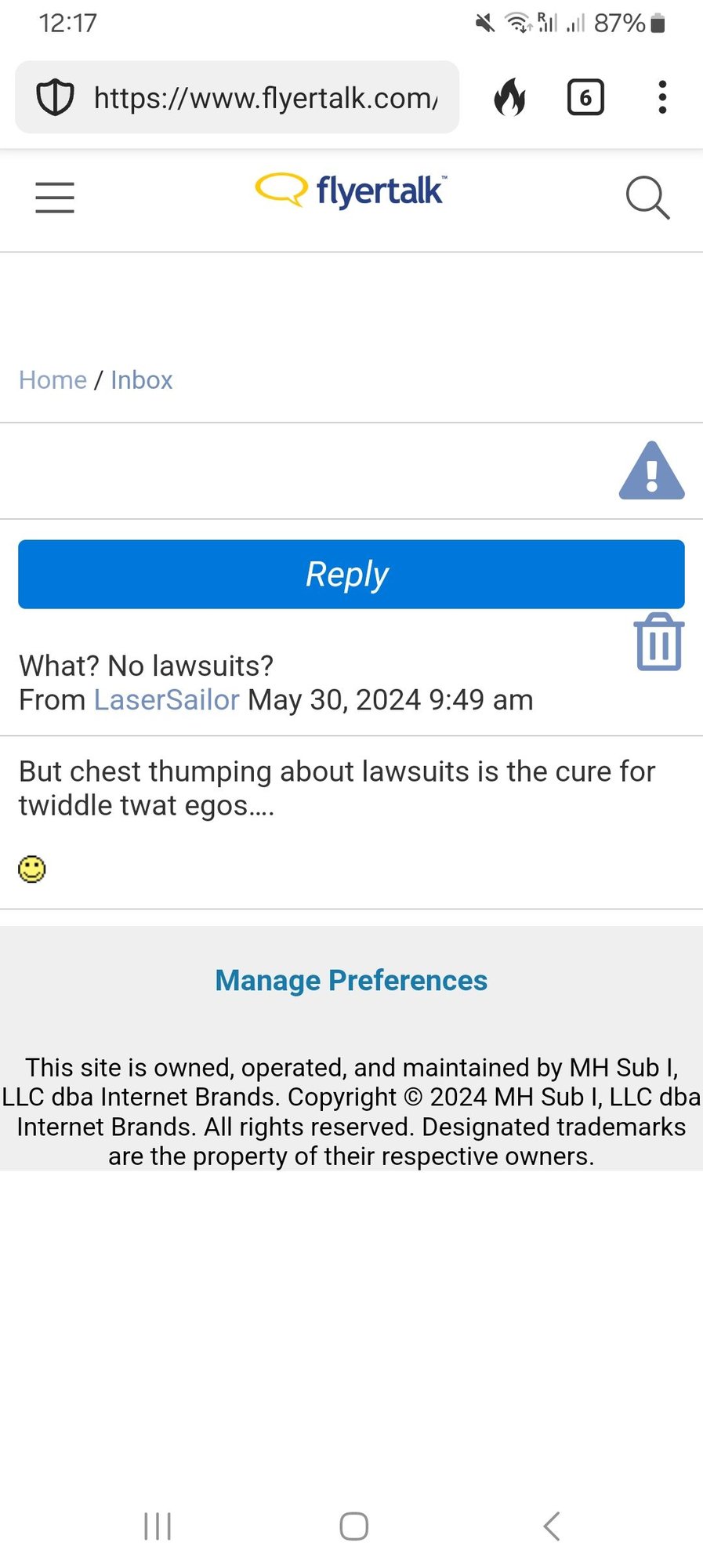
Instead, there is a "garbage can" Delete symbol within each PM to delete it.
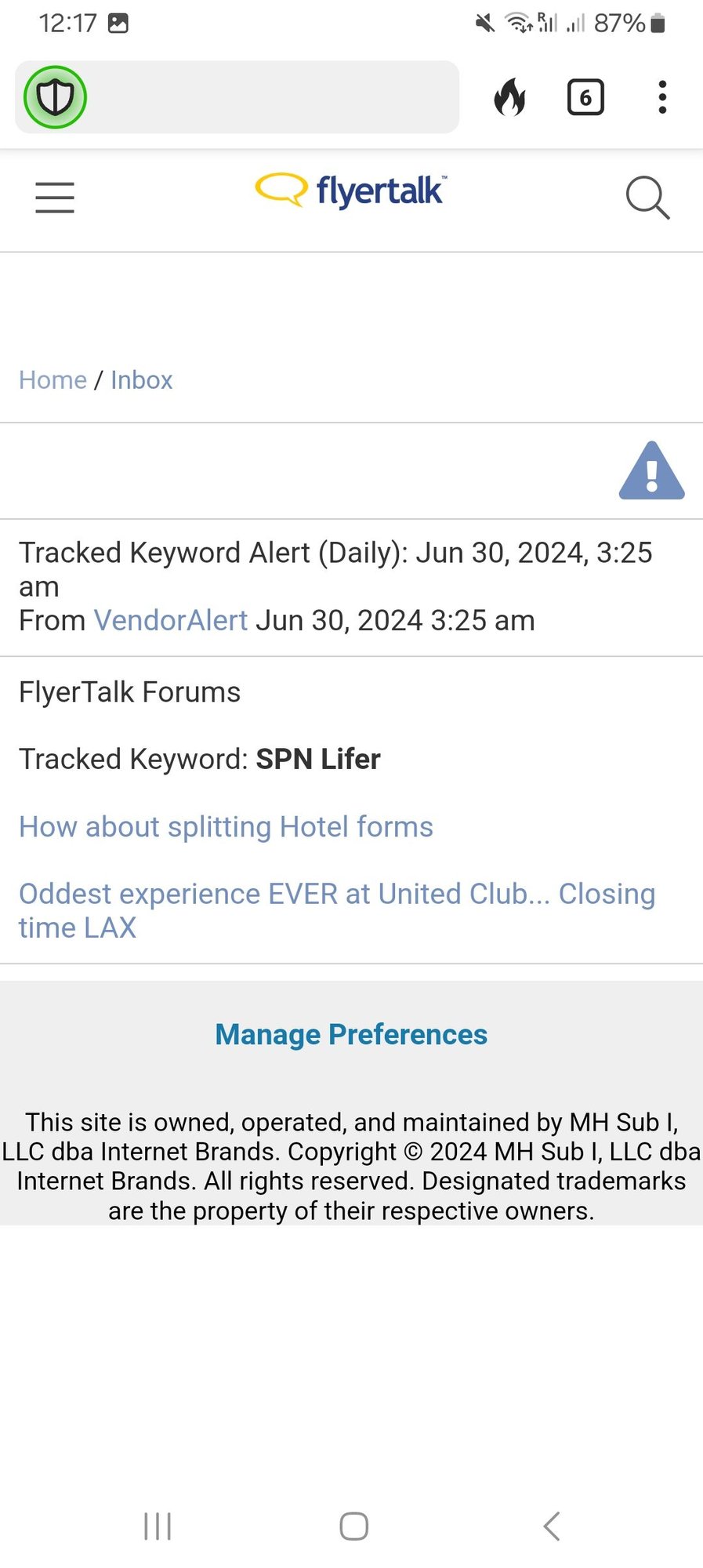
However, for my Tracked Keyword Alert PMs there is no Delete symbol.