Originally Posted by
Polytonic
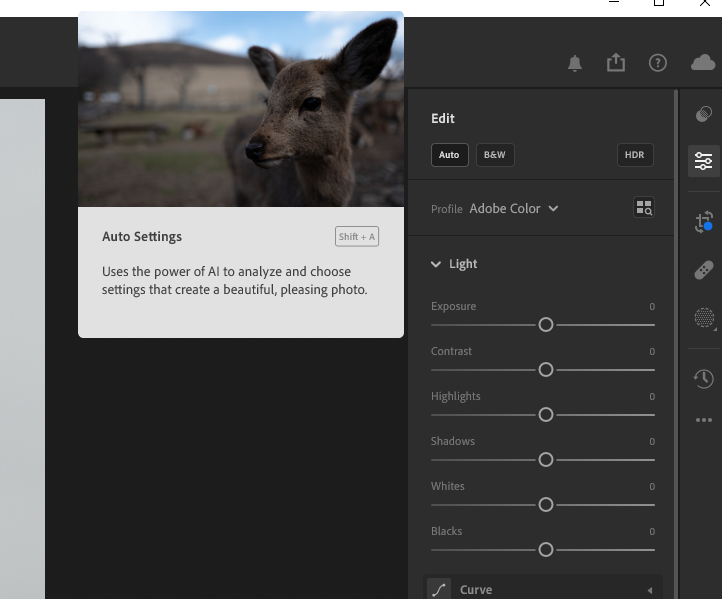
Lucky for you, Lightroom does, in fact, have an Auto button! I find it does an okay first pass. It's a convenient way to decide which ones are keepers and/or worth editing further, or just to get some ideas on how to adjust the photo.
You beat me to it.
The "AUTO" button tends to make the image "HDR" like. More warm tone, and slightly more contrasty.
Another method (not one button tho) is to tweet the white balance by holding down the SHIFT key and double click on Exposure, Contrast etc down the sliders in the Basic Panel.