Originally Posted by
oliver2002
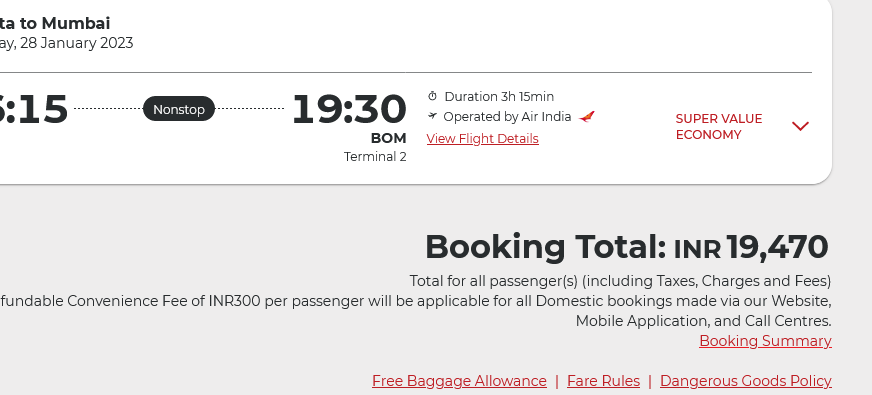
Once you have picked your flights on AI.com click on fare rules, and take a look at the penalties. The exact fare name appears there. (GIP in my example) The first letter is the booking class to check for mileage accrual. In my example G
https://www.wheretocredit.com/air-india/g

Thank you for responding and sharing the above link. I've been out of this game for so long I feel a bit lost.
I wonder if there is a tutorial that can help me go through the steps and figure out whether its better to credit/ bank them to UA or Asiana or elsewhere?
Now where are you seeing the G? I am trying see both your screenshots and wondering how/ where I am missing that.